7
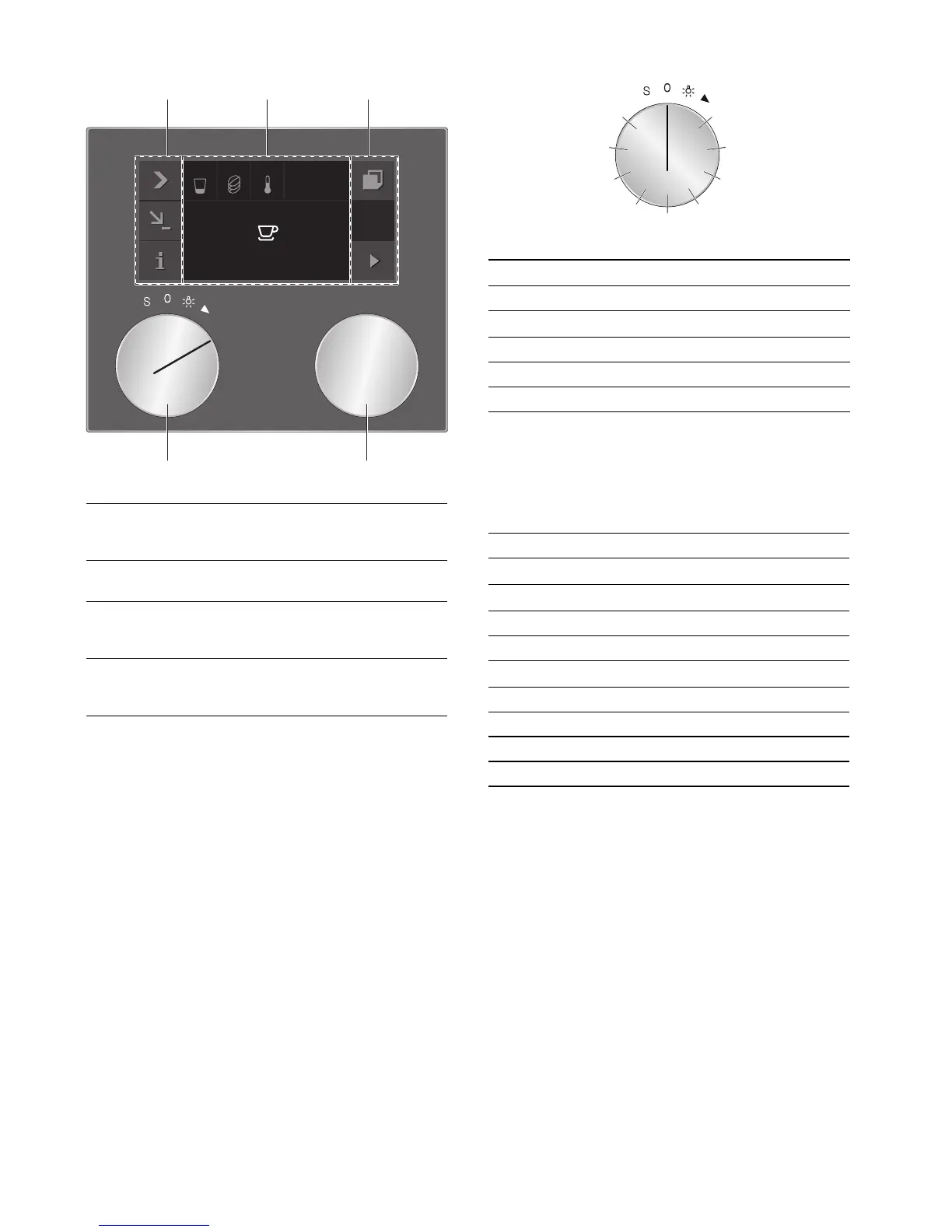
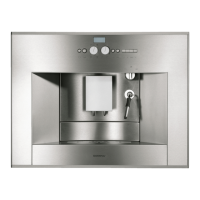
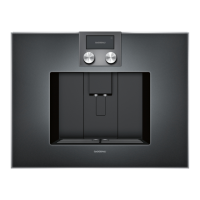
Display and operating controls
--------
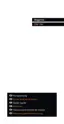
Function selector positions
Symbols
The following overview details the symbols that are the
most used when operating the appliance.
--------
1 Control panel These areas are touch sensitive.
Touch a symbol to select the cor-
responding function.
2 Display The display shows, for example,
current settings and options.
3 Rotary selector You can select the desired bever-
age and other settings using the
rotary selector.
4 Function selector You can use the function selector
to call up your saved favourite bev-
erages or the basic settings.
(VSUHVVR
Position Function
0 Zero setting
@
Light
2 Beverage selection
3 - 10 Memory locations for individual beverages
S Service programmes/basic settings
Symbol Function
I
Start
Ø
Stop
' Cancel
™ Confirm/save settings
C
Selection arrow
# Pull out the appliance
( Call up additional information
% Edit settings
0 Child lock


 To Next Page