9
Switching the appliance on and off
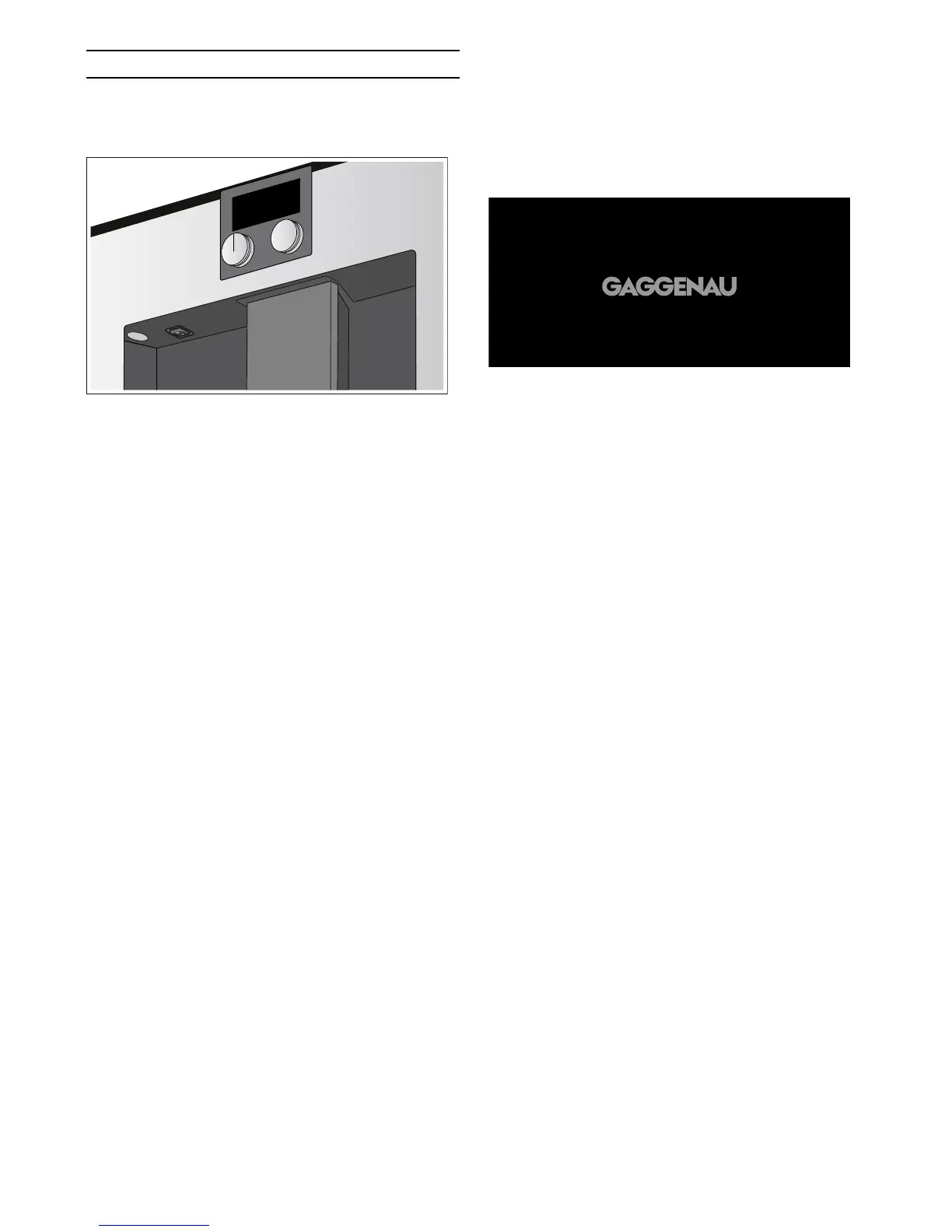
Main switch
The main switch is used to switch the appliance on and
off.
If the appliance is switched off at the main switch, the
power supply is interrupted.
The appliance is programmed so that it automatically
switches off after 30 minutes. This time period can be
changed (see Automatic shut-off in section Basic settings).
The appliance rinses automatically when it is switched
on at the main switch. Exception: The appliance was
only switched off a few minutes beforehand.
Note: Do not press the main switch during operation. If
you want to manually switch off the appliance, you must
first set the function selector to 0 so that it rinses
automatically. Then switch off the appliance using the
main switch.
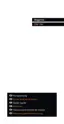
Hibernate mode
The appliance goes into hibernation mode if the
function selector is turned to 0 or if the child lock is
activated.
The brightness of the display is dimmed in hibernation
mode.
Notes
‒ In the basic settings, you can set whether the
Gaggenau logo is to be displayed during
hibernation mode (see section Basic settings).
‒ The brightness of the display depends on the
vertical viewing angle. You can adjust the display
using the "Brightness" setting in the basic settings.
Activating the appliance
To exit hibernation mode, turn the function selector or
touch the control panel.
You can now set the required function. Please refer to
the corresponding sections for information on how to
set functions.
Notes
‒ The hibernation mode display will reappear if no
setting is made for a long period of time after
activation. The display light goes out.
‒ If no drip tray is inserted, the appliance cannot be
switched on and no water will flow out of the coffee
dispenser.
The message "Insert trays" appears. This message
also appears if the drip tray is pulled out during
hibernation mode. The message disappears when
the drip tray is reinserted. The appliance returns to
hibernation mode.


 To Next Page