8/13
5.3. Diagnostics mode
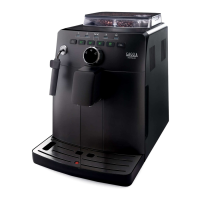
To enter Diagnostics mode:
- Switch on the machine
- Press the four function keys in the sequence indicated below (1,2,3,4) before the heating bar is
completed.
1. Product counters
· Espresso
· Coee
· Espresso lungo
· Hot water
· Cappuccino
· Latte macchiato
· Hot milk
2. Error counters
2.1. Error log
· Error code
· Error index
· Error text
2.2. Errors reset
3. Water counters
3.1. Descaling cycle
· Since last
· Since second last
· Since third last
· Number of execution
3.2. Brewing unit cleaning
· Number of execution
· Since last
3.3. Since production
3.4. Water lter
· Since last reset
· Number of reset
4. Max grinder dose
· 100 ÷ 170
5. Max ground
· 10 ÷ 20
Description of the menu as diagnosis mode.
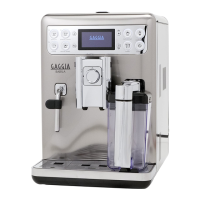
To enter Diagnostics mode:
- Switch on the machine
- Press the four function keys in
the sequence indicated below
(1,2,3,4) before the heating bar
is completed.
ON/OFF
Carafe cleaning
cycle activation


 To Next Page
 Loading...