Installing and Replacing Batteries (DC Models)
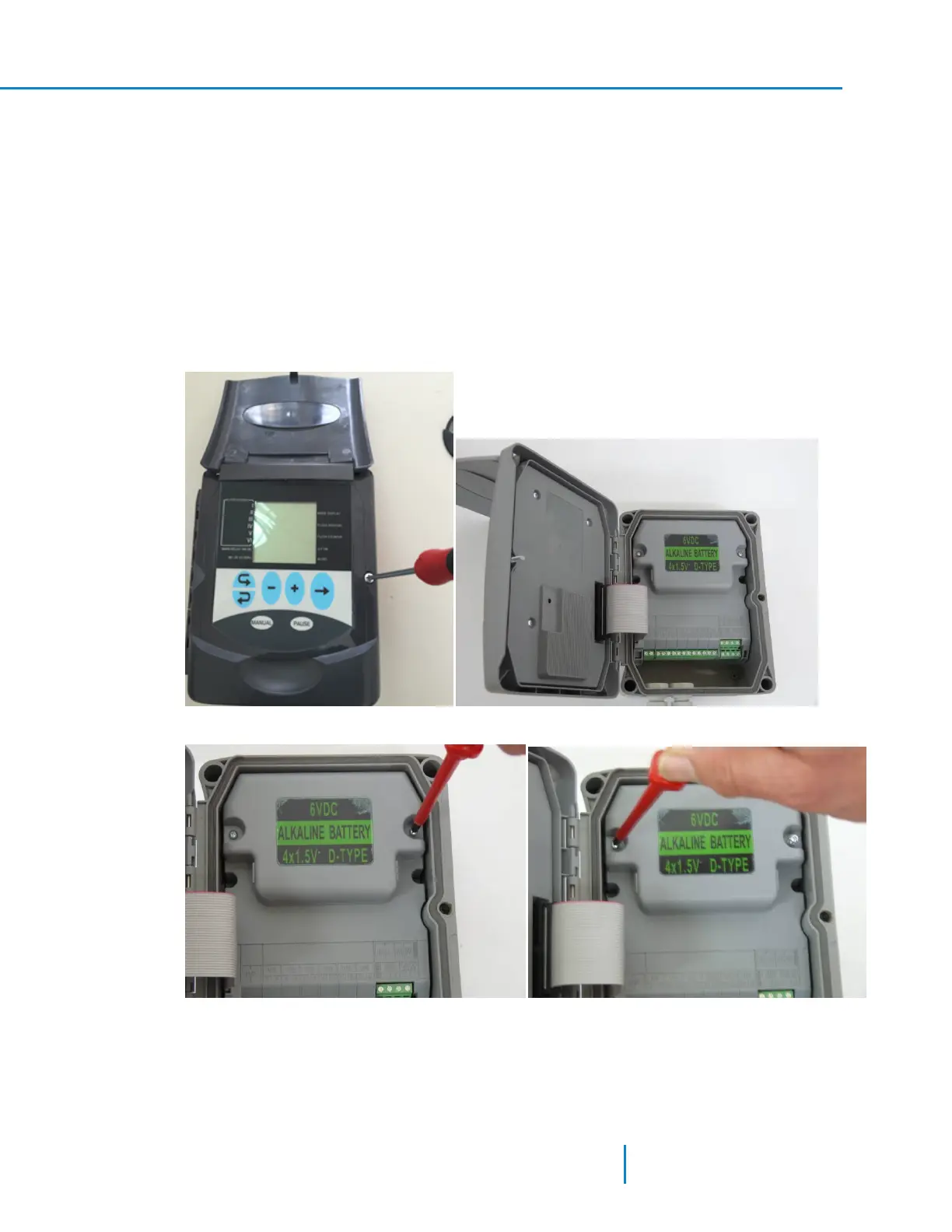
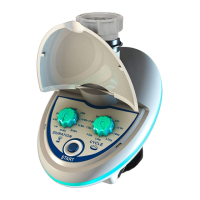
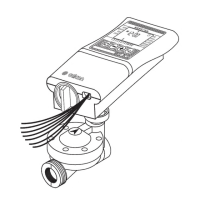
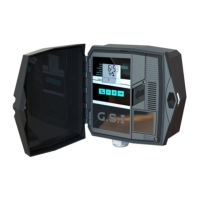
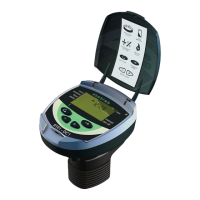
Replacing the batteries procedure in the DC-6 and the DC-12 controllers is the same. The following
pictures display replacing batteries in the DC-6 model.
The controller is powered by four 1.5V D type batteries. The unit starts to operate automatically when
inserting the batteries. Alternatively, an external 7.2-12V DC supply can be connected to the power
connection terminal; (Labeled as 7.2-12DC-In on the terminal board circuit board).
If an external power supply is connected while a set of batteries is installed, the batteries are served as a
backup and are not in use as long as the external power supply is connected.
To install or replace the batteries:
1. Open the Controller’s lid.
2. Unscrew the and open the keyboard cover.
3. Unscrew the two bolts and remove the batteries compartment lid.
17 AMCFlushing Controller User Guide
Installing and Replacing Batteries (DC Models)



 To Next Page