Manual Operations
You can perform the following manual operations:
Start a Flushing Cycle
Press and hold the Manual key for 5 seconds. A new flushing cycles starts.
Stop a Flushing Cycle
When the controller is in flushing mode, press and hold the Manual key for 5 seconds. The current
flushing cycle stops immediately.
Exit DP Fault
When the controller is in DP fault mode, press and hold the Manual key for 5 seconds to reset the fault
mode.
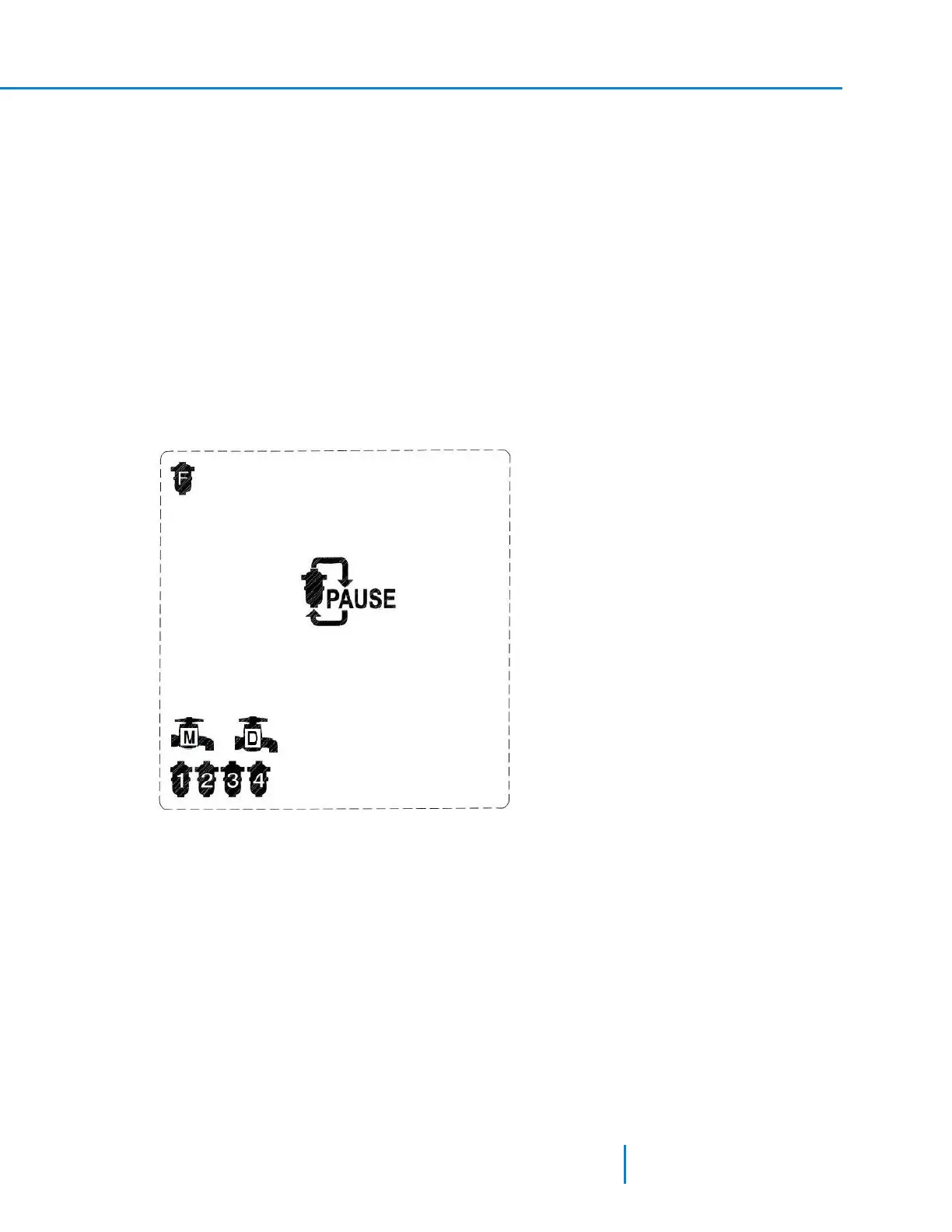
Pause the controller operation
Press and hold the Pause key for 5 seconds to pause the controller’s operation.
l If you press pause while the controller is in filtering mode, Pause mode begins immediately.
l If you press pause while the controller is in flushing mode, the controller ends the flushing cycle
immediately and then enters Pause mode.
Resume the controller operation
Press and hold the Pause key for 5 seconds to resume the controller’s operation. Once resumed the
controller starts to count the time to the next flushing cycle.
39 AMCFlushing Controller User Guide
Manual Operations



 To Next Page