Overview of the Interface
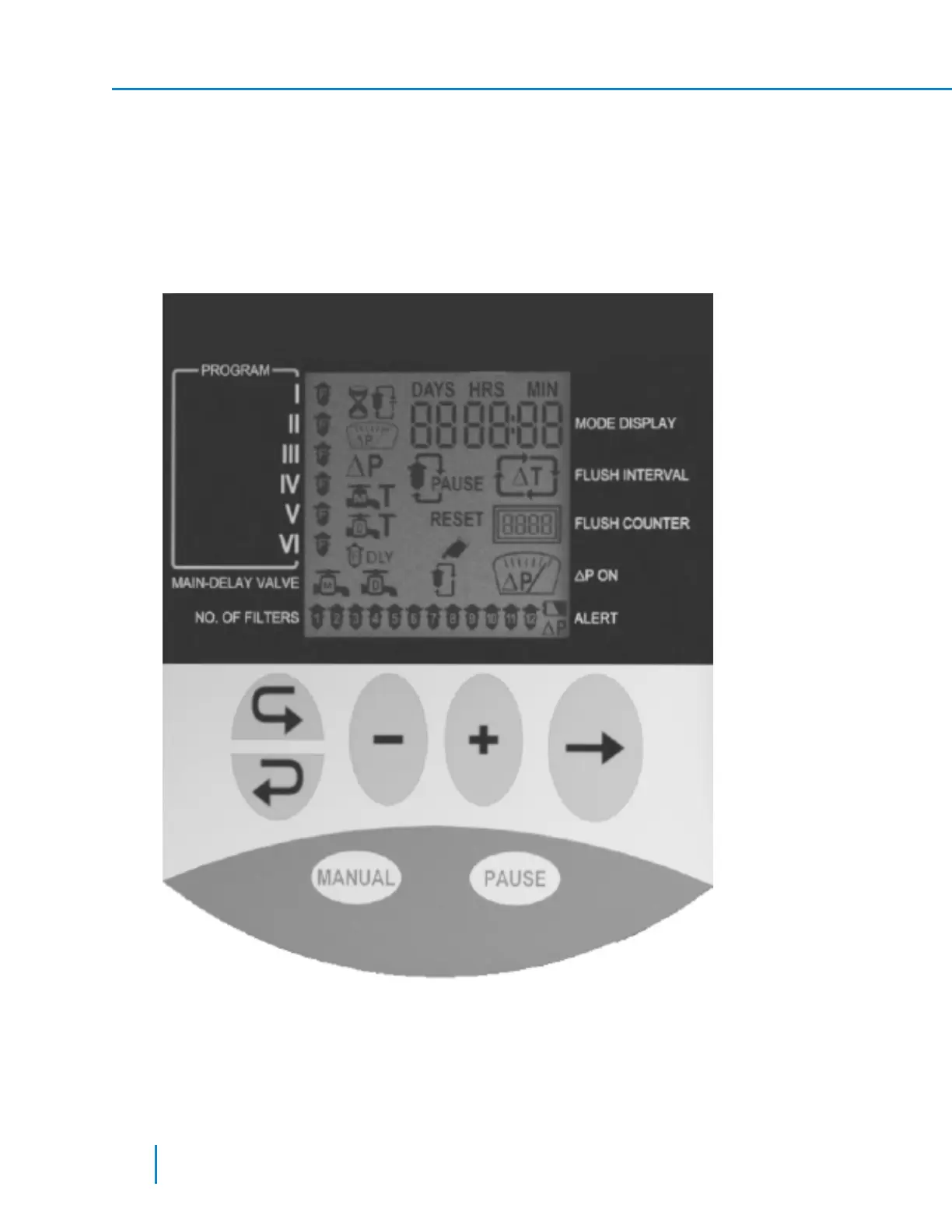
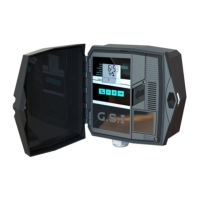
The AMCFlushing Controller user interface panel consists of:
l Display screen - a rectangular LCD display. (See picture below)
l Keyboard – a 7 keys keyboard; forward, backward, minus, plus, arrow, manual and pause.
l Headlines – along the left and right edges of the LCD screen, some headlines are printed on the
panel surface.
When the controller power is turned on, the following screen is displayed (the actual screen depends on
the controller configuration, filters type and number).
26 AMCFlushing Controller User Guide
Setup and Operation



 To Next Page