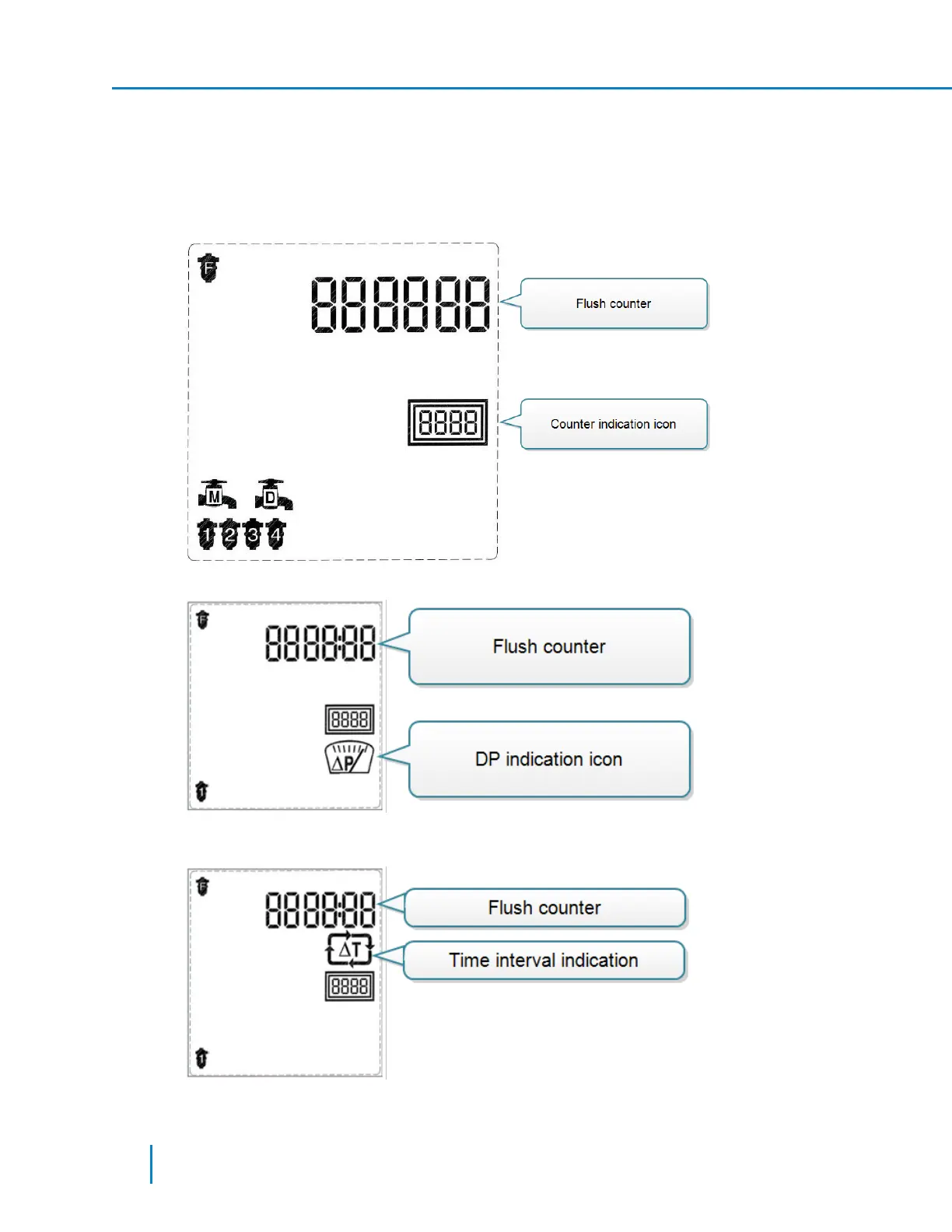
There are four flush counter screens. To display the subsequent screens, press the right arrow key in
the Flush Counter main screen to move to the next screen.
l First screen - displays the total number of flush cycles performed by the controller (up to 6 digits).
The counter is not reset to zero even when changing the filters type of the controller. You can reset
the counter only by resetting the controller to its factory defaults or through the technician
screens.
l Second screen - displays the number of flush cycles triggered by a DP signal:
l Third screen - displays the number of flush cycles triggered by the controller’s time interval
parameter:
42 AMCFlushing Controller User Guide
Setup and Operation



 To Next Page