MorphoAccess Installation Guide | Edition 11 | April 2019
Copyright © Gallagher Group Limited Page 7
4. Click the Complete radio button, and then the Next button.
The Ready to Install the Program screen displays.
5. Click the Install button.
Once installation has successfully completed, the Completed screen displays.
6. Click the Finish button.
The InstallShield Wizard closes.
7. You can plug your Morpho Dongle in a USB port of your computer.
5.1.2 Morpho ACS – VERIF / IDENT Dongle Type
IMPORTANT: Do not plug your dongle before installing drivers otherwise your dongle might not
be detected.
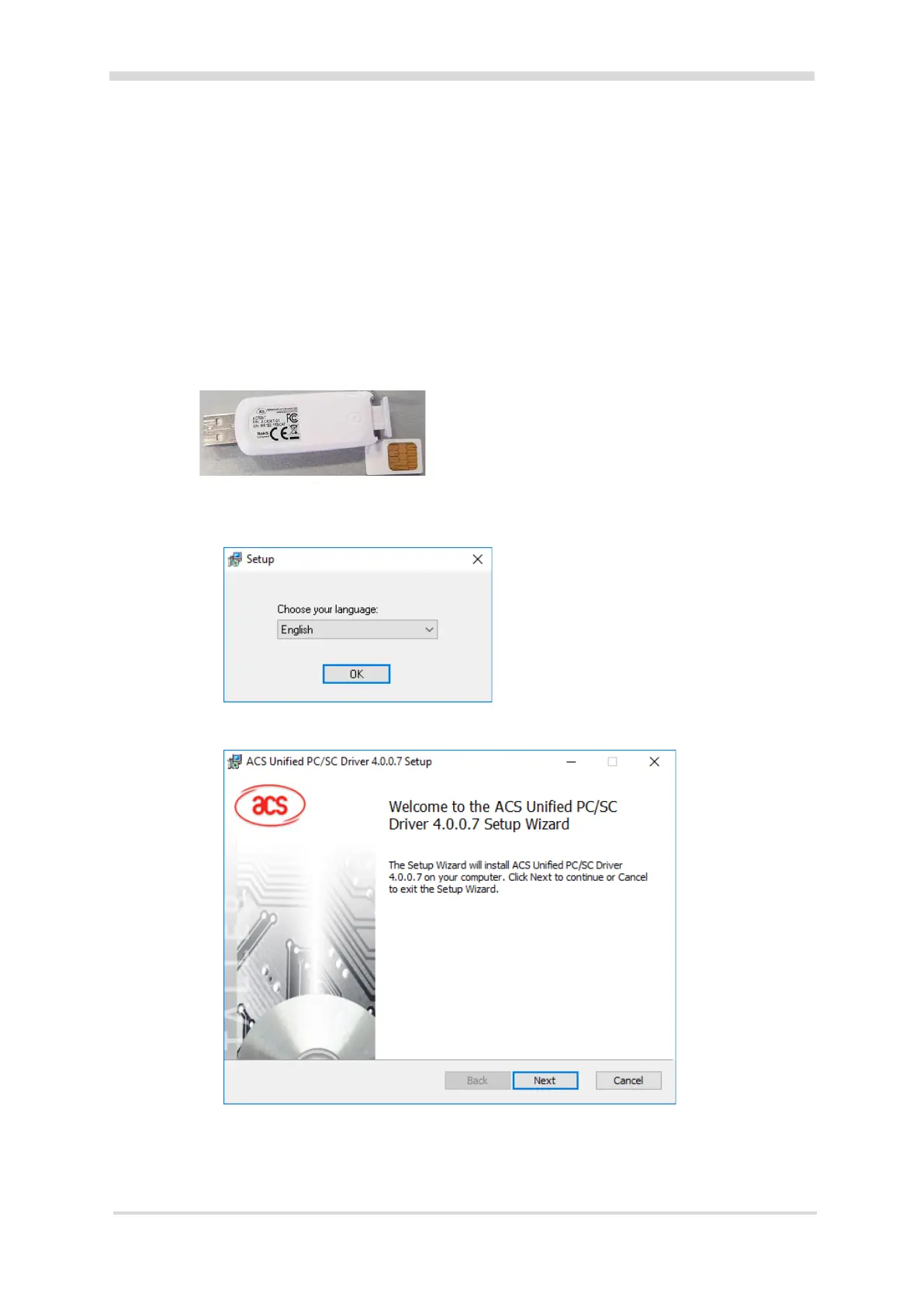
1. Locate and run Setup.exe in the ‘Morpho Utilities\Device Drivers\Morpho
Dongle (ACS)’ folder of the Command Centre installation files.
A Setup screen displays.
2. Select your language and click the OK button.
The Welcome screen of the installation wizard displays.
3. Click the Next button.
The Destination Folder screen displays.
4. Select your installation directory and click the Next button.
The Ready to install screen displays.



 To Next Page