MorphoAccess Installation Guide | Edition 11 | April 2019
Copyright © Gallagher Group Limited Page 9
5.3 Installing the License Manager
IMPORTANT: You should install this software with Administrator rights (launch a command
prompt as an administrator if you want to use MSI file), otherwise you should register manually
service. If the service is not registered, no ID or license will be displayed.
1. Path your way to the ‘Morpho Utilities\ License Manager\Morpho License
Manager 4.13.0’ folder of the Command Centre installation files.
2. Open the appropriate folder for you operating system, i.e.
‘x64’
for a 64 bit operating system, OR
‘x86’ for a 32 bit operating system
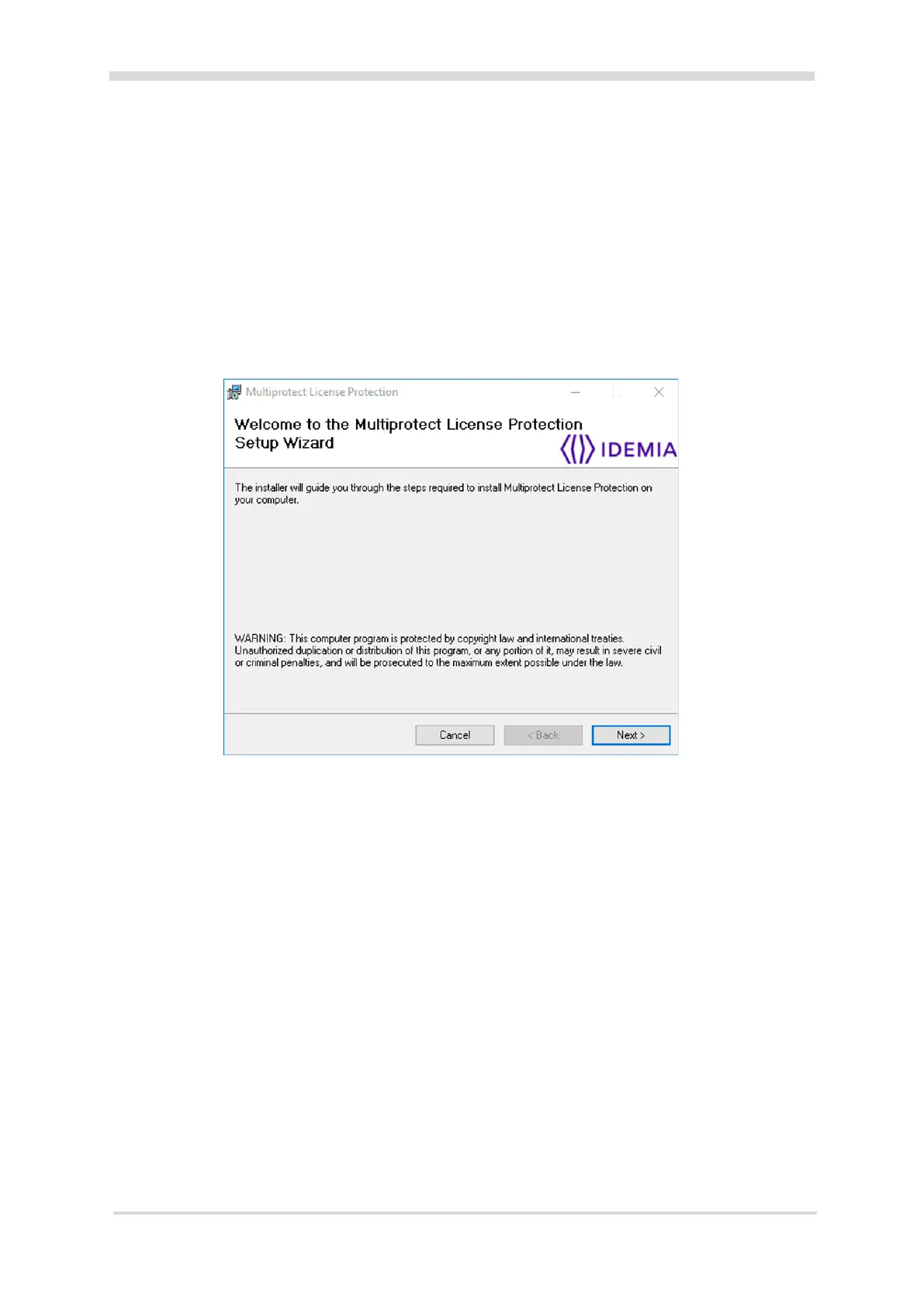
3. Run the Multiprotect_License_Protection_Installer.exe executable.
The Welcome screen of the Multiprotect License Protection Setup wizard displays.
4. Click the Next button.
The Choose Installation Mode screen displays.
5. Click the Copy and install service radio button, then the Next button.
The Select Installation Folder screen displays.
6. Click the Next button.
The Confirm Installation screen displays.
7. Click the Next button.
8. Click the Close button.
5.4 Installing Microsoft Redistributables
To install the Microsoft Visual Studio Redistributables (32-bit) on the capture workstation, follow these
steps:
1. Navigate to the ‘Morpho Utilities\Microsoft Redistributables’ folder of the
Command Centre installation files.
Note: Both the VC10redist_x86 or VC12redist_x86 Microsoft Redistributables are required.
2. Open the VC10redist_x86 folder and run the executable. Work your way through each screen.
3. Open the VC12redist_x86 folder and run the executable. Work your way through each screen.
4. Once the Microsoft Redistributables have been installed, restart the computer.



 To Next Page