GAMATRONIC ELECTRONIC INDUSTRIES LTD.
P+ PREMIUM 60, Installation Guide,
1.4
39
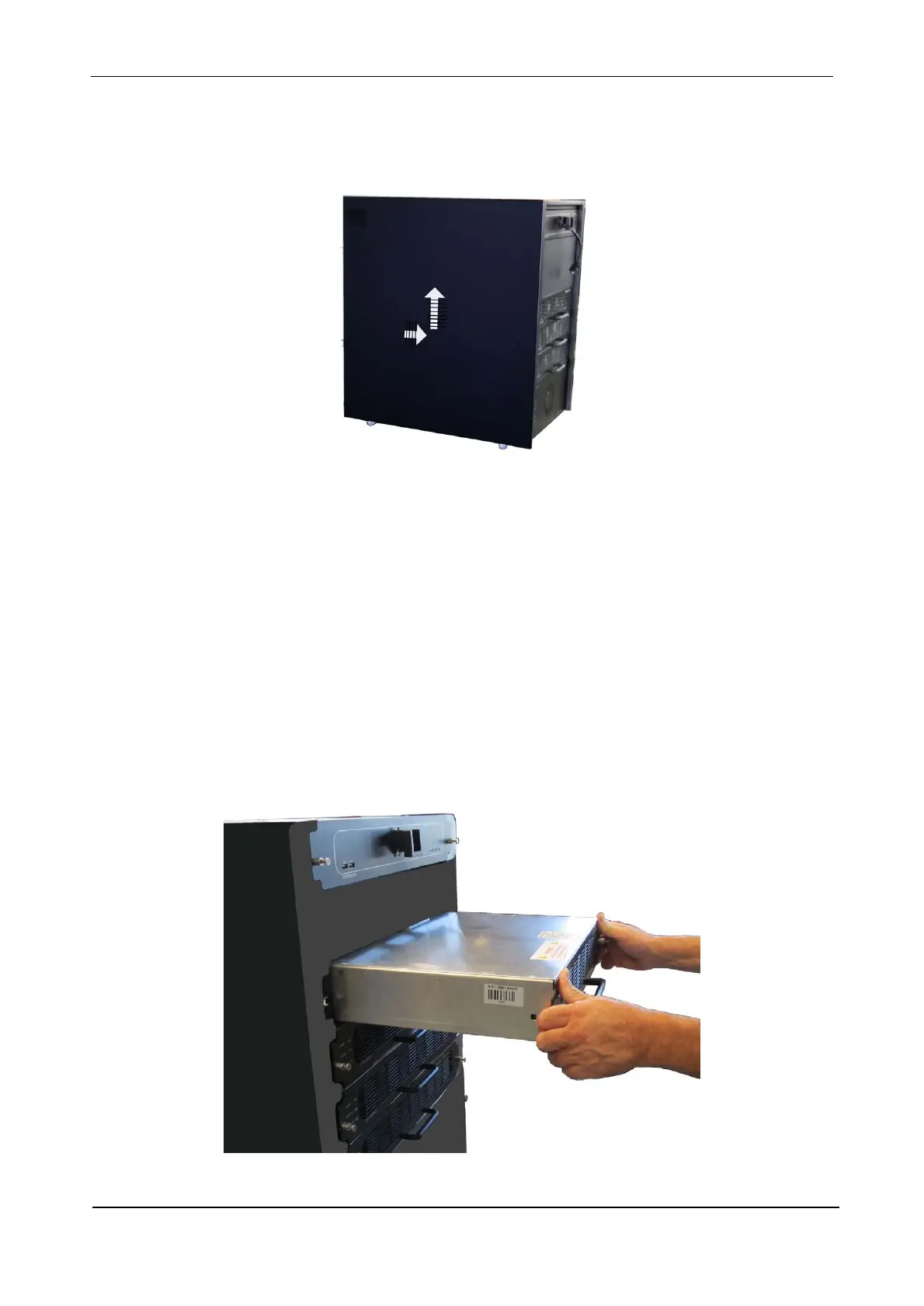
2. Remove the side panels one at a time. To remove the side panel, push the panel forward about 3 cm,
then lift it up and away from the UPS. You may have to jiggle it slightly to free it from the UPS.
The physical insertion and removal of modules is quite simple; informing the system of the addition or
removal of the module is slightly more complicated but not difficult, as explained below.
4.2 Physical insertion of a UPS module
1. Verify that you are holding the module with the top side up.
2. Insert the rear of the module into the module shelf.
3. Gently but firmly push the module all the way in so that the connectors on the rear of the module mate
with those on the inside rear of the shelf.
4. Hand-tighten the two screws to secure the modules in place – one on each side of the front panel.
Figure 35: Push the module in gently but firmly











 To Next Page