GAMATRONIC ELECTRONIC INDUSTRIES LTD.
P+ PREMIUM 60, Installation Guide,
1.4
57
9.2 G-Eye
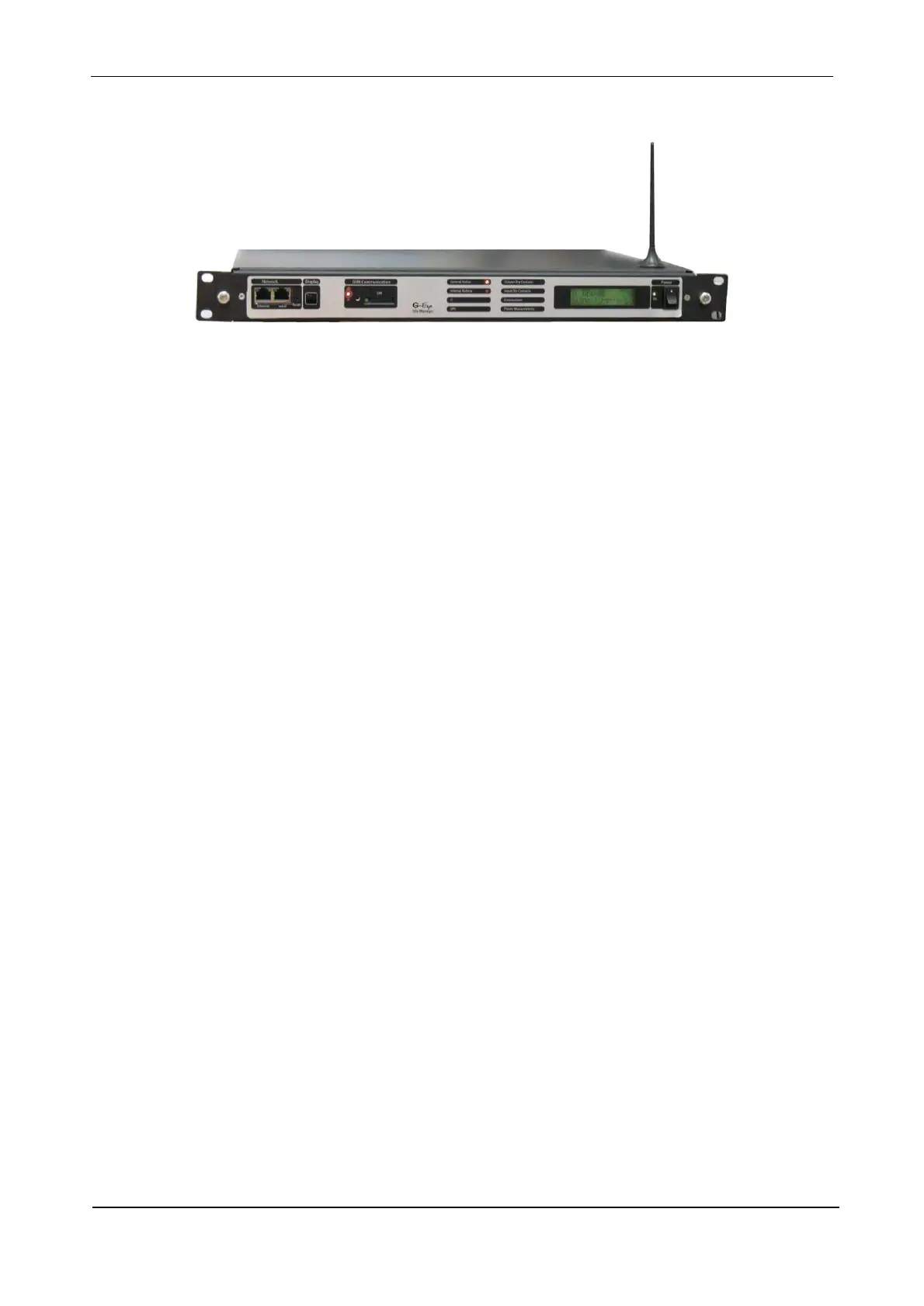
Figure 56: G-Eye
G-Eye adds value to your Power+:
• Option to connect external temperatures sensors, humidity sensors, and frequency sensors.
• Inputs for ac/dc current and voltage measurements through various sensors.
• When the measured value moves outside a user-defined range, G-Eye immediately informs pre-
selected targets of the alarm condition.
• One 4-20 mA input.
• Input dry contacts available for on/off external sensors.
• Output dry contacts for control of external devices.
• Supports TCP/IP and SNMPv2.
• Controlled shutdown of servers on ac mains power failure, with user-defined time-delay. (*)
• Auto-wake-up of servers on restoration of ac power, after user-defined time-delay. (*), (**)
• Include internal GSM modem (quad-band) for additional backup/control/management without LAN
dependency.
• Bi-directional control via simple SMS commands.
• Automatic response to sensed events. For example, the G4 can be programmed to turn on an air
conditioner when it senses that the room temperature has exceeded a user-defined level.
• Notifies designated targets of alarm conditions via email, SMS, and SNMP traps.
• Double power feed for reliability.
• Internal battery backup.
• Quick installation.
(*) Not all operating systems supported.
(**) Auto-wake-up requires "wake-on_LAN" BIOS feature on target computers. Not all operating systems
supported.
Note: G-Eye requires disconnection of the Power+ Premium 60 internal network card.
Consult your vendor before ordering.











 To Next Page