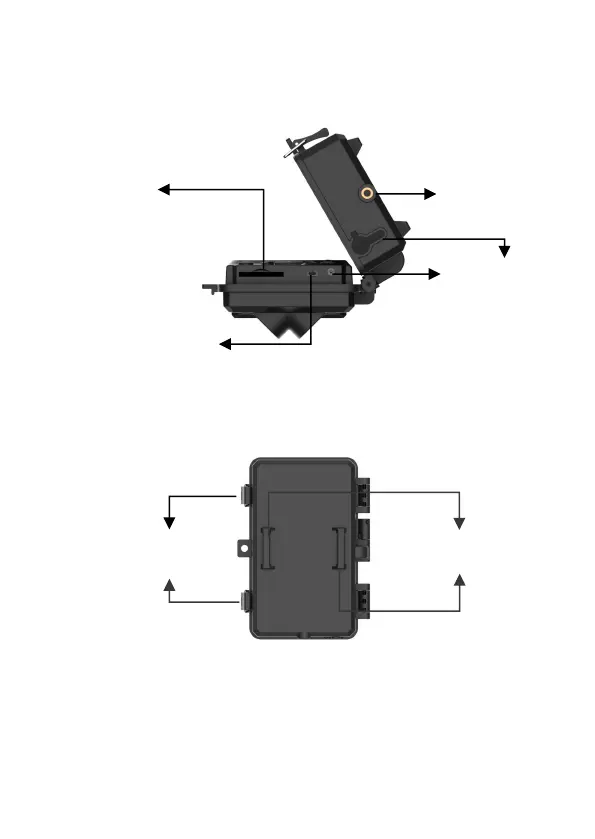
The camera provides the following connections for external
devices: Mini USB port and SD card slot etc. (Figure 2).
Figure 2: Bottom View
The camera has two strap holes on the back. The strap can be
put through the strap holes and fastened securely around the tree
trunk by pulling the end of the strap firmly (Figure 3).
Figure 3: Back View
The camera has a 2.4-inch built-in LCD screen, which can be
used for reviewing pictures or videos and menu displaying, and
unique keypad design for easy program and operation, 8 AA
batteries slot supported (Figure 4).



 To Next Page