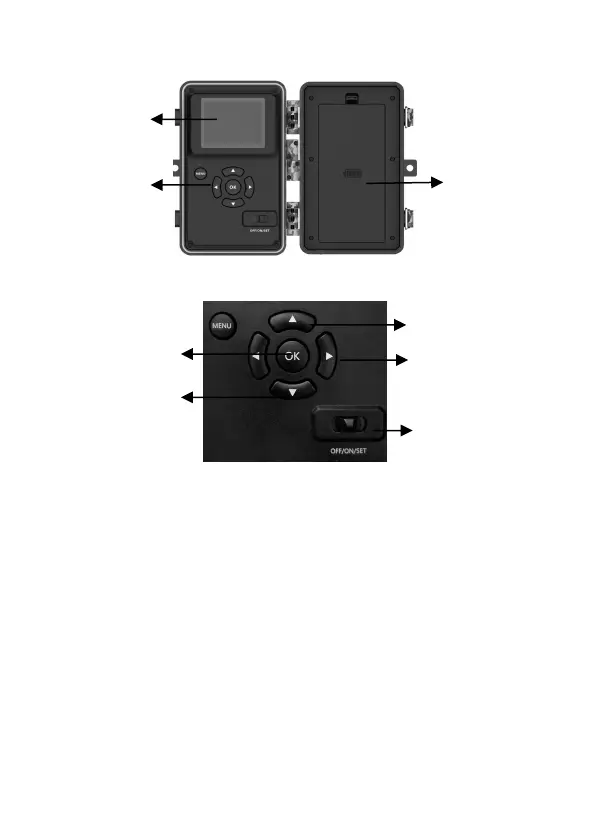
Figure 4: Inside View
Figure 5: Operation Buttons and Shortcut
A 3-way power switch is used to select the main operating
modes: OFF, ON, and SET (Figure 5).
A control key interface with six keys is primarily used in SET
mode to select operational functions and parameters. As shown
in Figure.5, the keys can also perform a second function
(shortcut operations in SET mode) in addition to their main
function.
5. INSTALLING THE BATTERIES AND SD CARD
Before you start learning how to use your camera, you will first
need to install a set of batteries and insert an SD card. Although
that may only take you a minute, there are some important notes
RIGHT Key as
Manual Shutter
("SHOT")
Battery
Compartment
and Cover



 To Next Page