5. INSTALLING THE BATTERIES
The Nano-SIM card is preinstalled, please don’t remove it.
Before you begin learning how to use your camera, you will
first need to install 8 AA batteries. Although that may only take
you a minute, there are some important notes about batteries
you should be aware of, so please take the time to read the
following directions and cautions:
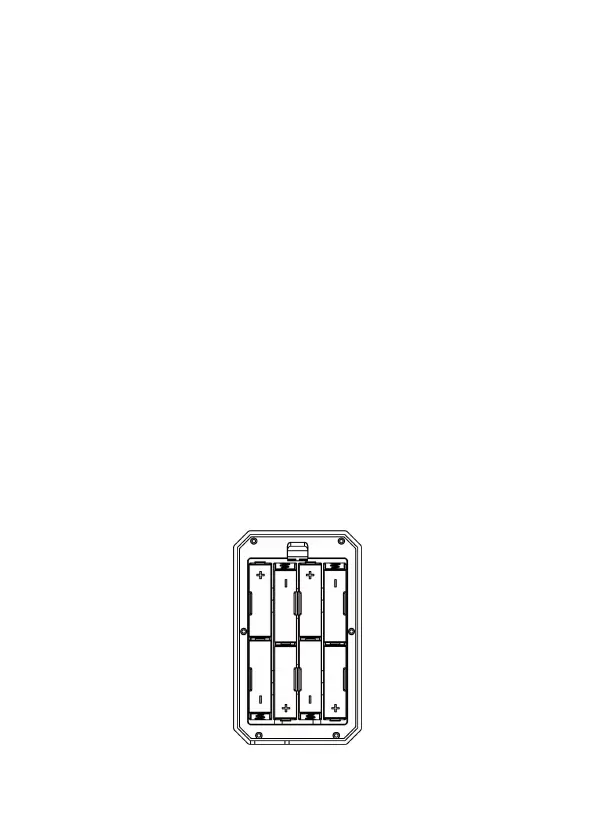
After opening the cover of the battery compartment, you will
see that the camera has eight battery slots (Figure 6). A full
eight batteries must be installed for the camera to operate. Be
sure to insert each battery with correct polarity (negative or
"flat" end against the long spring of each battery slot).
In ON mode when battery power level gets low, the message
"Low Battery" will show on the screen, please replace the
batteries. If the battery indicator shows in RED, this does mean
the batteries are not able to drive IR LEDs flash at night,
however the batteries still work at daytime until "Low
Battery". If you want to continue night vision, please replace
the batteries.
Figure 6: Loading the Batteries



 To Next Page