Display or program camera settings, such as mode,
picture quality etc.
Review or download the pictures or videos the
camera has taken.
7.6. Get the First Picture
After you successfully activate the camera, you would like to
get the first picture from the camera:
Open the app, go to Settings Tab, toggle Transfer on Each
Capture to ON.
Turn on the camera, make sure the camera is powered on
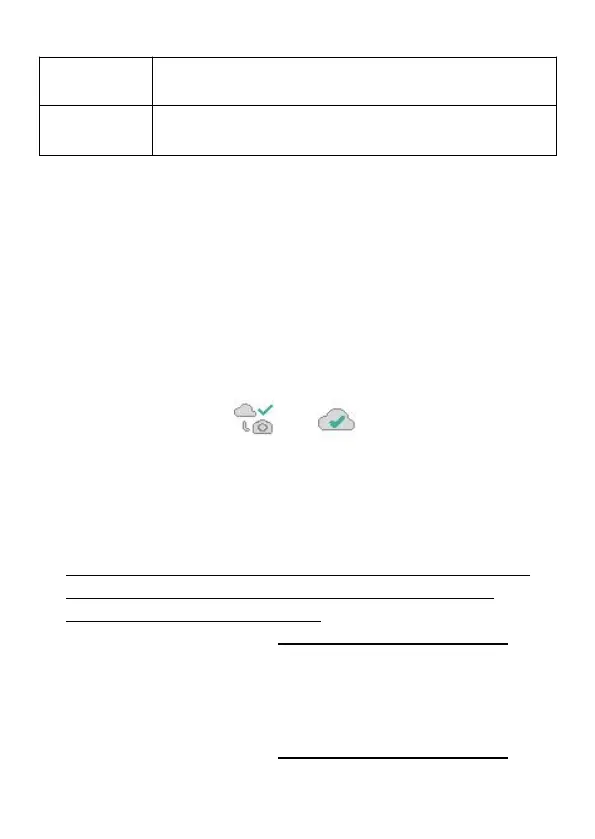
(screen is on). Once the camera has successfully connected
to the cellular network (indicated the icons on the top of the
camera screen show as below),
press the START button and wait for the camera to enter
surveillance mode.
Walk through in front of the camera.
Check the Gallery tab in the app, generally in several
minutes you will get the picture sent from the camera.
After you successfully get the first picture, please remind
toggling Transfer on Each Capture to OFF to avoid
consuming more battery power.
For more details please visit: www.zopudt.com/support/cell
7.7. View Photo or Video
Open the app Gallery tab to view, download, save or delete the
photos or videos.
For more details please visit: www.zopudt.com/support/cell



 To Next Page