190-00592-06 Rev. A
Garmin G1000 Pilot’s Guide for the Diamond DA40/40F
33
SYSTEM OVERVIEW
SYSTEM
OVERVIEW
FLIGHT
INSTRUMENTS
EIS
AUDIO PANEL
& CNS
FLIGHT
MANAGEMENT
HAZARD
AVOIDANCE
AFCS
ADDITIONAL
FEATURES
APPENDICES INDEX
SYSTEM SETTINGS
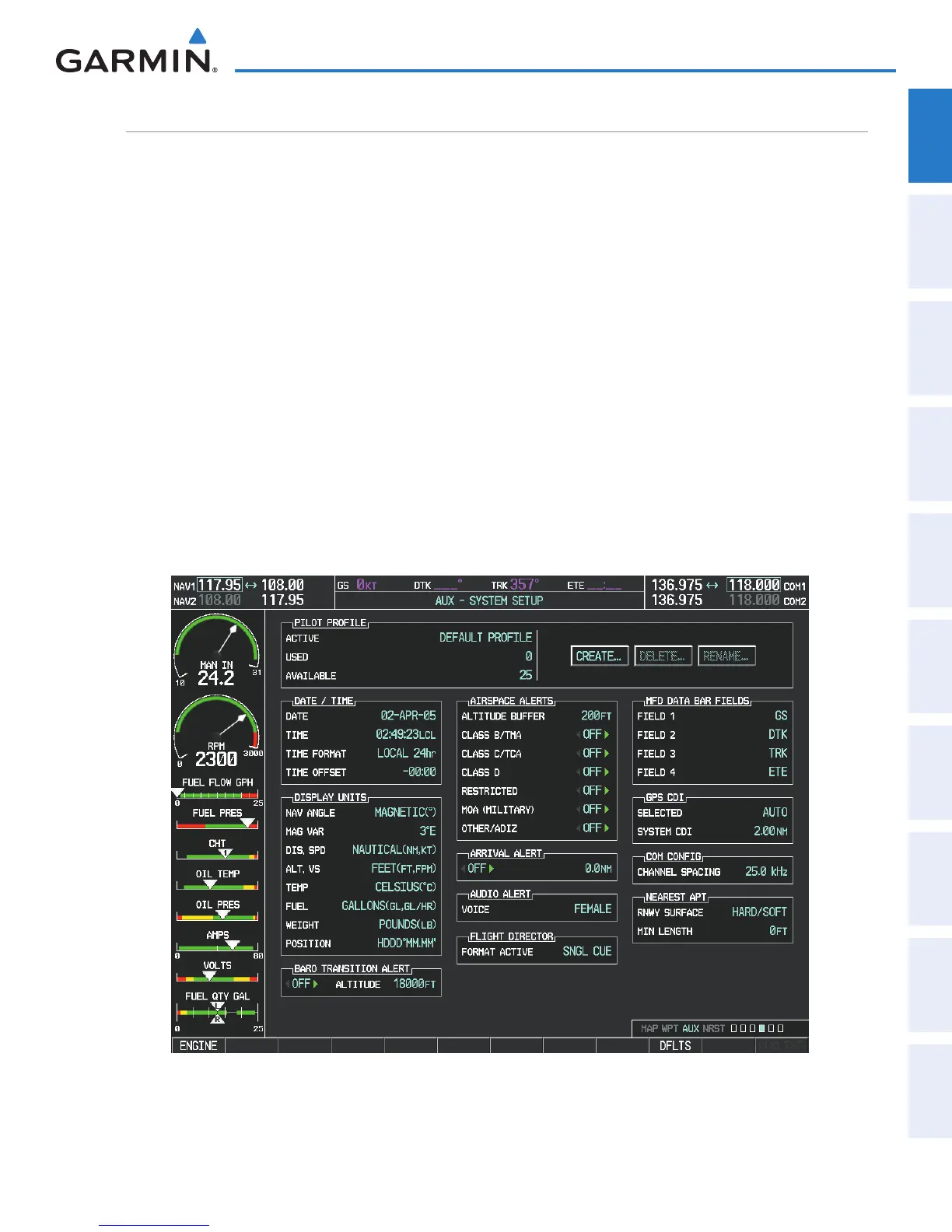
G1000 system settings are managed from the System Setup Page. The following settings can be changed:
•Date/time
•DisplayUnits
(see Flight Instruments Section)
•Airspacealerts(seeFlightManagementSection)
•Arrivalalerts(seeFlightManagementSection)
•MFDNavigationStatusBoxelds
(see Flight Management Section)
•CDIscalingforGPSnavigationsource
(see Flight Instruments Section)
•COMchannelspacing
(see Audio Panel and CNS Section)
•Criteriafordisplayingnearestairports
(see Flight Management Section)
•AudioAlerts
Restoring system setup defaults:
1) Use the FMS Knob to select the AUX - System Setup Page.
2) Press the DFLTS Softkey.
Or:
a) Press the MENU Key.
b) Highlight ‘Restore Defaults’ and press the ENT Key.
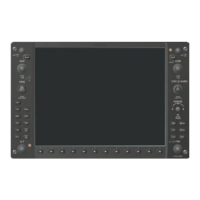
Figure 1-29 System Setup Page


 To Next Page