22 Forerunner
®
735XT
EN
sage appears.
Stopping a Workout
• At any time, select
to end a workout step.
• At any time, select
to stop the timer.
Using Virtual Partner
®
Your Virtual Partner is a training tool designed
to help you meet your goals. You can custom-
ize the Virtual Partner to train (run, bike, other)
at a target speed or pace.
NOTE: Virtual Partner is not available in swim
mode.
1 Select an activity prole.
2 Select Menu > Activity Settings > Data
Screens > Virtual Partner > Status > On.
3 Select Set Pace or Set Speed.
You can use pace or speed as your format
(Format Settings, page 87)
.
4 Enter a value.
5 Select
to start the timer.
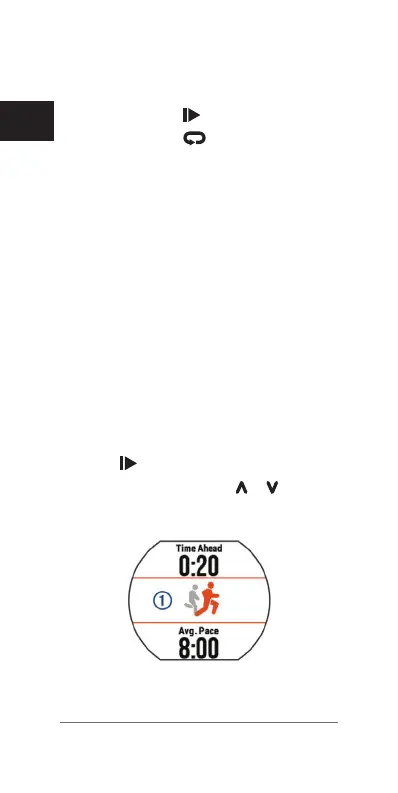
6 During your activity, select
or to view
the Virtual Partner screen and see who is
leading.
Setting a Training Target
The training target feature works with the















 To Next Page