32 Forerunner
®
735XT
EN
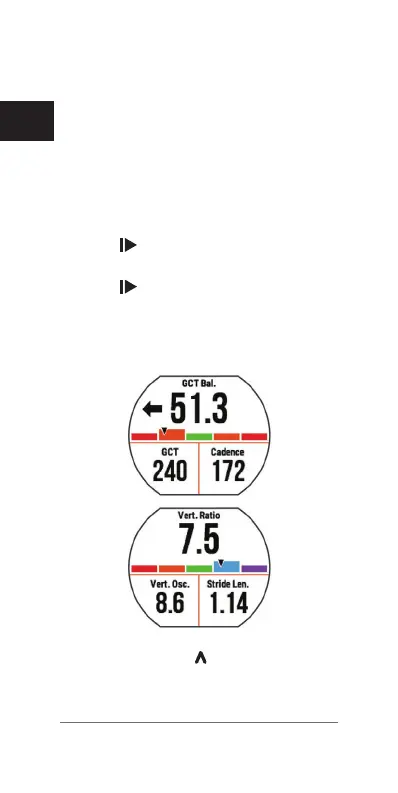
Training with Running Dynamics
Before you can view running dynamics, you
must put on the HRM-Run accessory or
HRM-Tri accessory and pair it with your device
(Pairing ANT+ Sensors, page 69)
.
If your Forerunner was packaged with the heart
rate monitor, the devices are already paired,
and the Forerunner is set to display running
dynamics.
1 Select
, and select a running activity
prole.
2 Select
.
3 Go for a run.
4 Scroll to the running dynamics screens to
view your metrics.
5 If necessary, select to edit how the run-
ning dynamics data appears.















 To Next Page