26 Forerunner
®
735XT
EN
Clearing All Personal Records
1 Select Menu > My Stats > Records.
NOTE: This does not delete any saved
activities.
2 Select a sport.
3 Select Clear All Personal Records > Yes.
The records are deleted only for that sport.
Heart Rate Features
The Forerunner device has a wrist-based heart
rate monitor and is also compatible with ANT+
®
chest heart rate monitors. You can view wrist-
based heart rate data on the heart rate widget.
When both wrist-based heart rate and ANT+
heart rate data are available, your device uses
the ANT+ heart rate data. You must have a
heart rate monitor to use the features described
in this section.
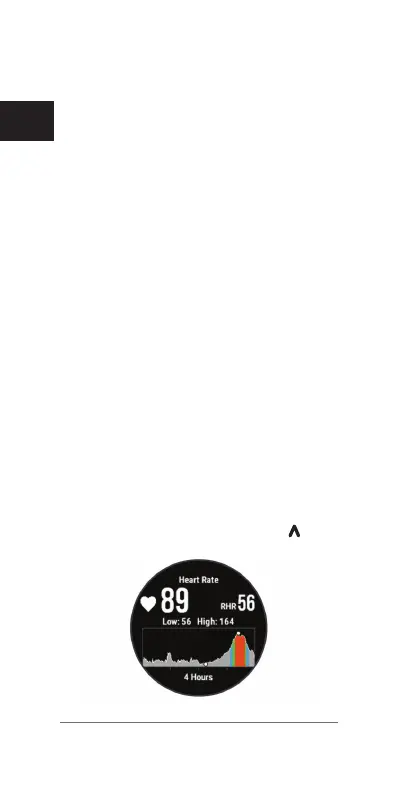
Viewing the Heart Rate Widget
The widget displays your current heart rate in
beats per minute (bpm), lowest resting heart
rate for today, and a graph of your heart rate.
1 From the time of day screen, select
.















 To Next Page