64 Forerunner
®
735XT
EN
download apps, watch faces, data elds,
and widgets.
Navigation
You can use the GPS navigation features on
your device to view your path on a map, save
locations, and nd your way home.
Adding the Map
You can add the map to the data screens loop
for an activity prole.
1 Select an activity prole.
2 Select Menu > Activity Settings > Data
Screens > Map > Status > On.
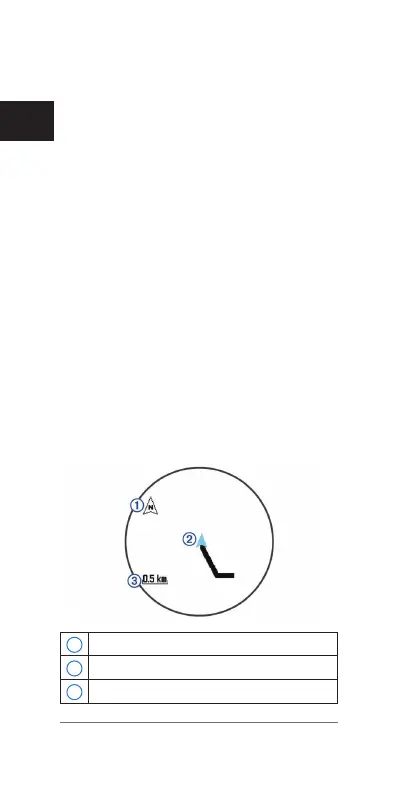
Map Features
When you start the timer and begin to move,
a black line appears on the map, showing you
where you have traveled.
1
Points to north
2
Your current location and heading
3
Zoom level















 To Next Page