43Forerunner
®
735XT
EN
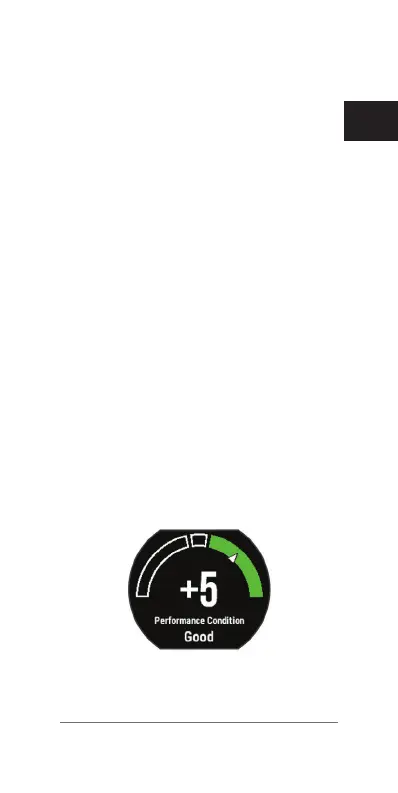
means that you are rested, fresh, and capable
of a good run or ride.
You can add performance condition as a data
eld to one of your training screens to monitor
your ability throughout the activity. Performance
condition can also be an indicator of fatigue
level, especially at the end of a long training
run or ride.
NOTE: The device requires a few runs or rides
with a heart rate monitor to get an accurate
VO2 max. estimate and learn about your
running or riding ability
(About VO2 Max.
Estimates, page 37)
.
Viewing Your Performance Condition
Before you can view your performance condi-
tion, you must put on a heart rate monitor and
pair it with your device
(Pairing ANT+ Sensors,
page 69)
.
1 Add Performance Condition to a data
screen
(Customizing the Data Screens,
page 78)
.
2 Go for a run.
After 6 to 20 minutes, your performance
condition appears.
3 Scroll to the data screen to view your
performance condition throughout the run.















 To Next Page