GNS 430(A) Pilot’s Guide and Reference
190-00140-00 Rev. P
5-7
SECTION 5
FLIGHT PLANS
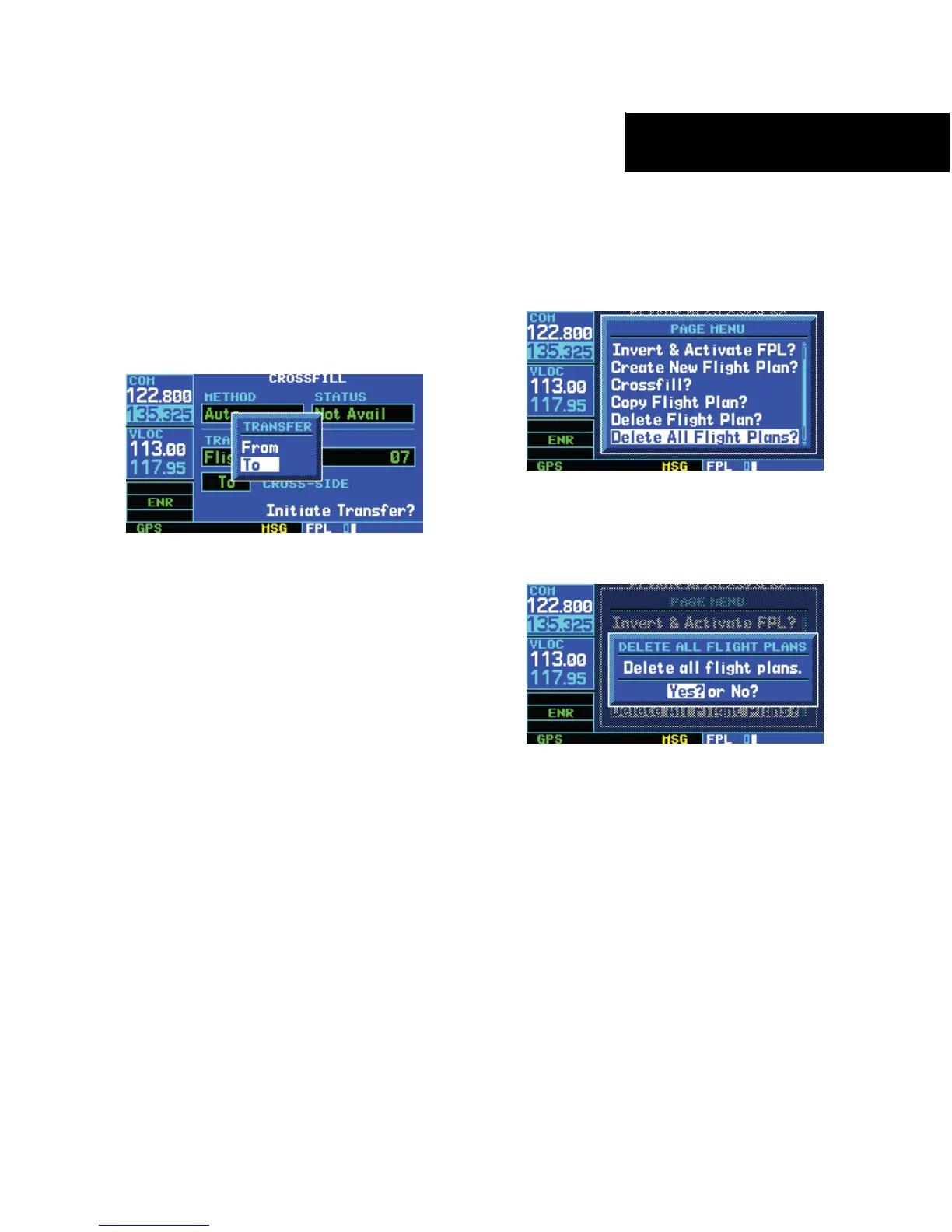
5) The ‘Cross-side’ field allows the pilot to
designate the sending and receiving units
in a crossfill operation. Turn the large right
knob to select the ‘Cross-side’ field, then turn
the small right knob to select ‘To’ or ‘From’
(Figure 5-15). Press the ENT Key to confirm
the selection.
Figure 5-15 Transfer Window
6) Turn the large right knob to highlight ‘Initiate
Transfer?’ and press the ENT Key.
• ‘Copy Flight Plan?’ - Allows the pilot to copy the
selected ight plan to a new ight plan location,
as described previously in this section. The copy
function is useful for duplicating an existing ight
plan before making changes.
• ‘Delete Flight Plan?’ - Allows the pilot to remove
the selected ight plan from memory, as described
previously in this section. Deleting a ight
plan does not delete the individual waypoints
contained in the ight plan from the database or
user waypoint memory.
• ‘Delete All Flight Plans?’ - Allows the pilot to
remove all ight plans from memory.
To delete all flight plans:
1) Select the ‘Delete All Flight Plans?’ option from
the Flight Plan Catalog Page Menu (Figure
5-16) and press the ENT Key.
Figure 5-16 Flight Plan Catalog Page Menu
2) A confirmation window appears (Figure 5-17).
With ‘Yes?’ highlighted, press the ENT Key.
Figure 5-17 Delete All Flight Plans Window





 To Next Page