BASIC OPERATION IN MARINE MODE
To switch usage modes:
1. Press and hold the PAGE key.
2. Use the ROCKER to select Aviation, Automotive, or Marine, and press ENTER.
Marine Mode Page Sequence
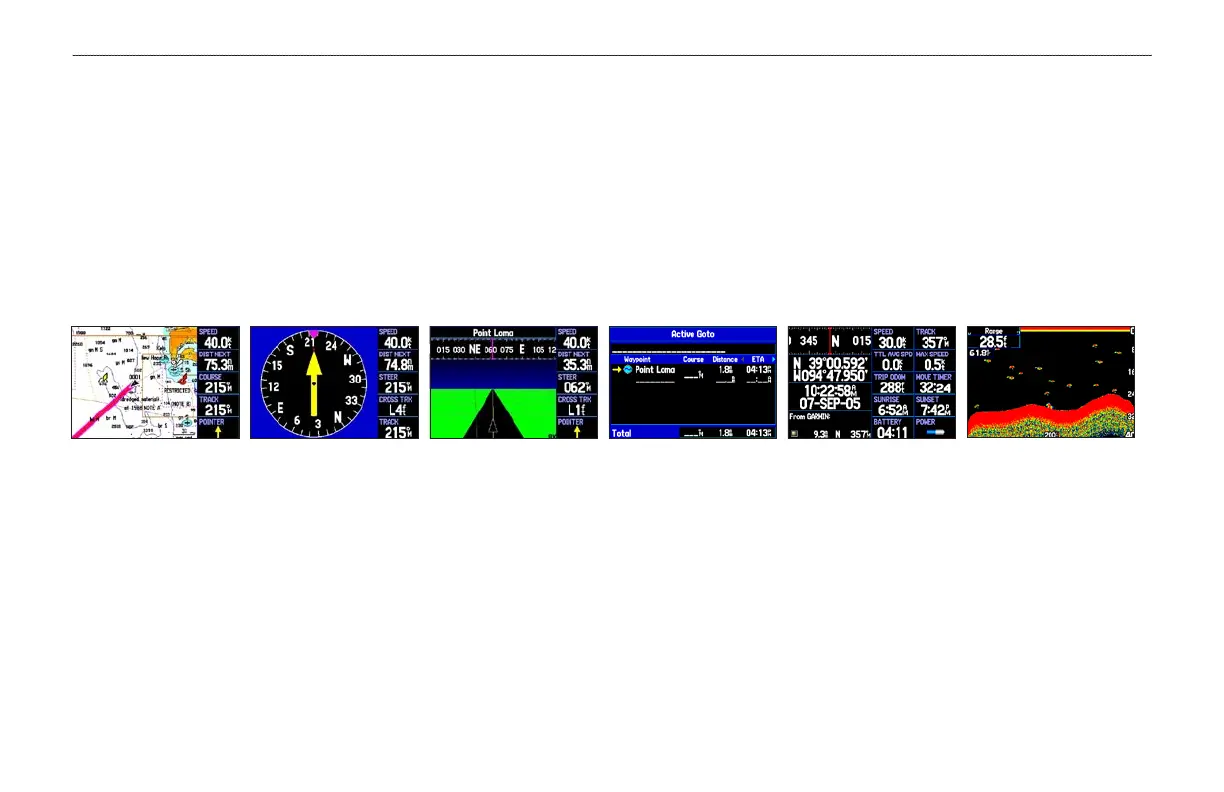
Marine Mode features five main pages: the Map, Compass, Highway, Active Route, and Position Data Page. If you are connected to a sonar
module, such as a Garmin GSD 20, an additional Sonar Page is available.
Highway Page Sonar Page
(Optional)
Active Route Page Compass Page Position Data Page Map Page
86 GPSMAP 296 Pilot’s Guide
BASIC OPERATION IN MARINE MODE > MARINE MODE PAGE SEQUENCE













 To Next Page