GPSMAP 495 Owner’s Manual 21
Aviation
Basic Operation in Aviation Mode > Finding a Nearby Point
Viewing Additional Airspace Information
From the Nearest Pages, you can show additional airspace
information, such as floor and ceiling limits or communication
frequencies.
To view additional airspace information:
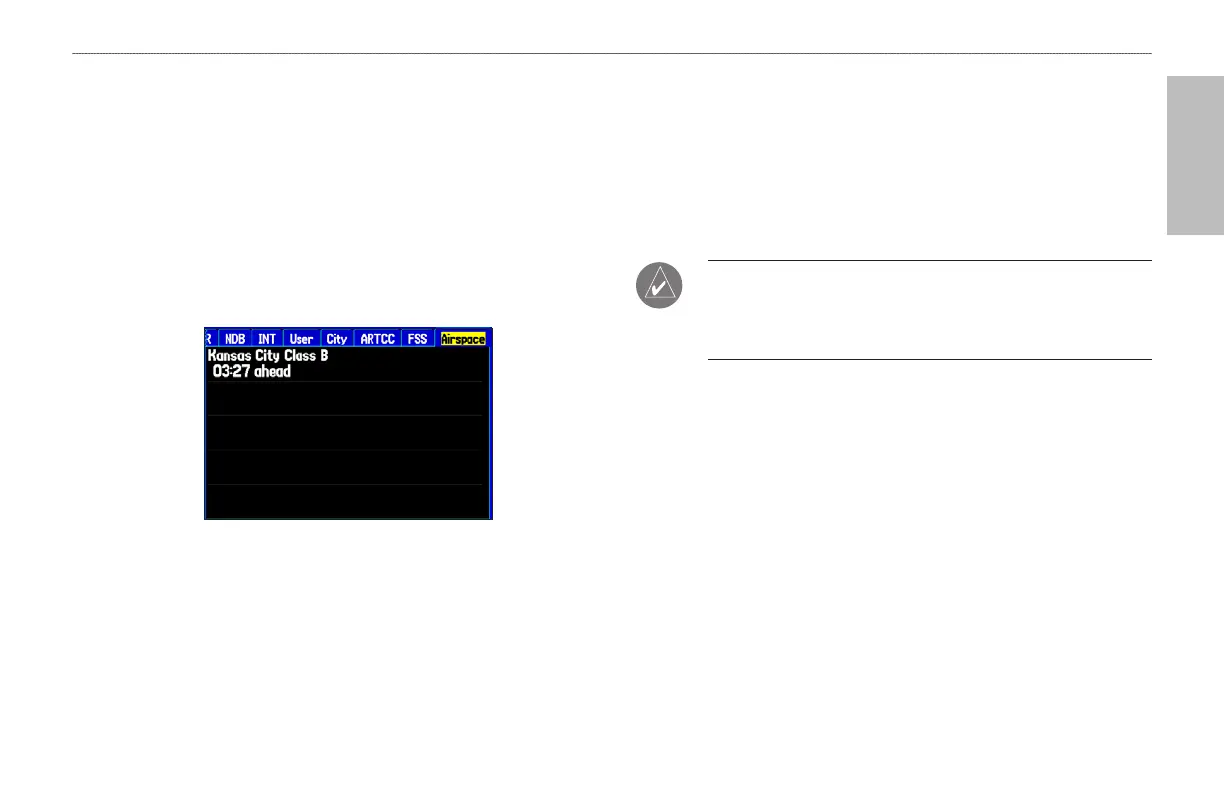
1. When an airspace alert appears, press NRST to show the
Nearest Pages and the airspace information. If you are already
viewing the Nearest Pages, use the ROCKER to select the
Airspace tab.
Nearest Pages: Airspace Tab
2. Use the ROCKER to select the airspace alert entry on the page,
and press ENTER. An information page opens to show the
controlling agency, status, and floor/ceiling limits.
3. To show a communication frequency for the airspace, select the
Frequencies button, and press ENTER.
To return to the Nearest Pages, select the OK button, and press
ENTER.
NOTE: When an airspace alert appears, press NRST to
automatically show nearest airspace information. Press NRST
a second time to quickly show the nearest airports list. Press
NRST a third time to show the Find Menu.













 To Next Page