GPSMAP 62 Series Owner’s Manual 33
Customizing Your Device
Setting the Deep Water or
Shallow Water Alarm
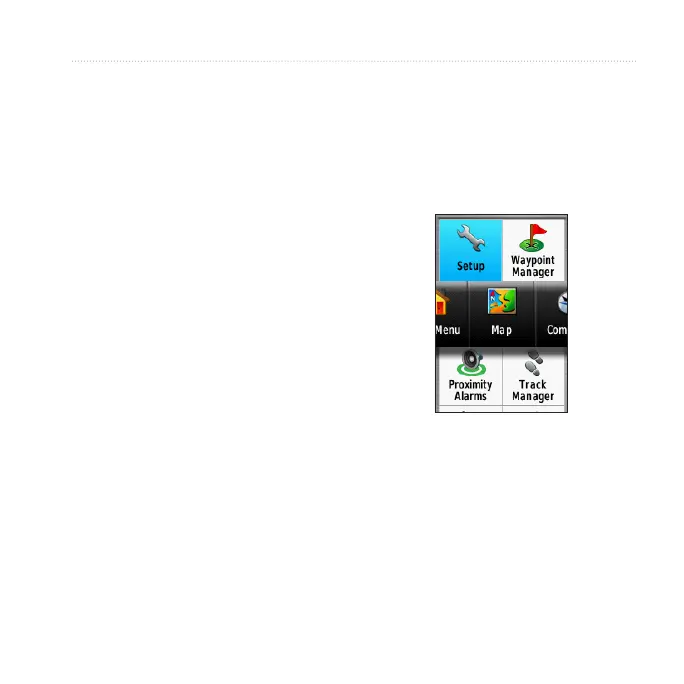
1. From the main menu, select
> > .
2. Select > to set
an alarm to sound when the depth is
less than the specied value.
3. Enter the depth that triggers the
shallow water alarm.
4. Select .
5. Select > to set an
alarm to sound when the depth is
greater than the specied value.
6. Enter the depth that triggers the
deep water alarm.
7. Select .
Resetting Data
You can reset trip data, delete all
waypoints, clear the current track, or
restore default values.
1. From the main menu, select
> .
2. Select an item to reset.
Changing the Page
Sequence
1. From the main menu, select
> .
2. Select a page.
3. Select .
4. Move the page up or down the list.
5. Press .












 To Next Page