GPSMAP 62 Series Owner’s Manual 47
Appendix
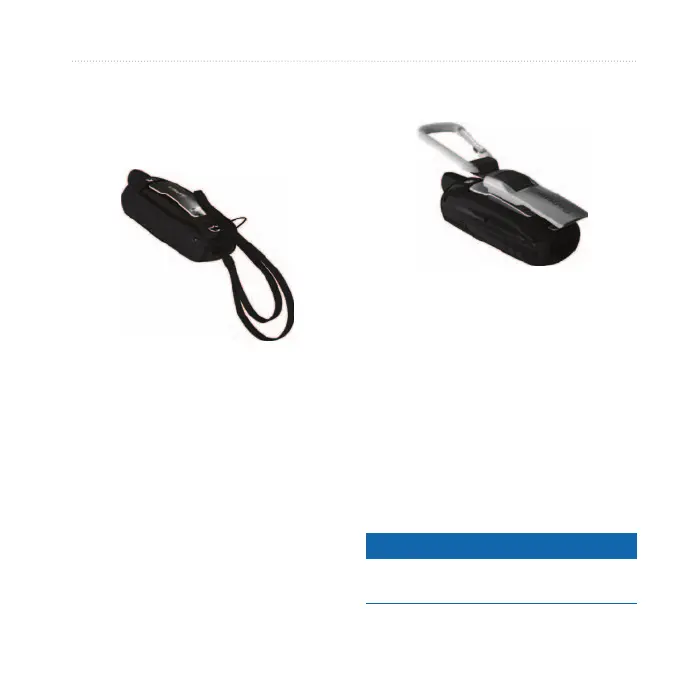
Attaching the Wrist Strap
1. Place the loop of the wrist strap
through the slot opening at the
bottom of the device.
2. Route the strap through the loop,
and pull it tight.
Attaching the Carabiner
Clip
1. Position the carabiner clip in the
slots on the mounting spine.
2. Slide the clip up until it locks in
place.
Removing the Carabiner Clip
Lift the bottom of the clip and
gently push down on the carabiner
clip until it releases.
Caring for the Device
notice
Avoid chemical cleaners and solvents
that can damage plastic components.












 To Next Page