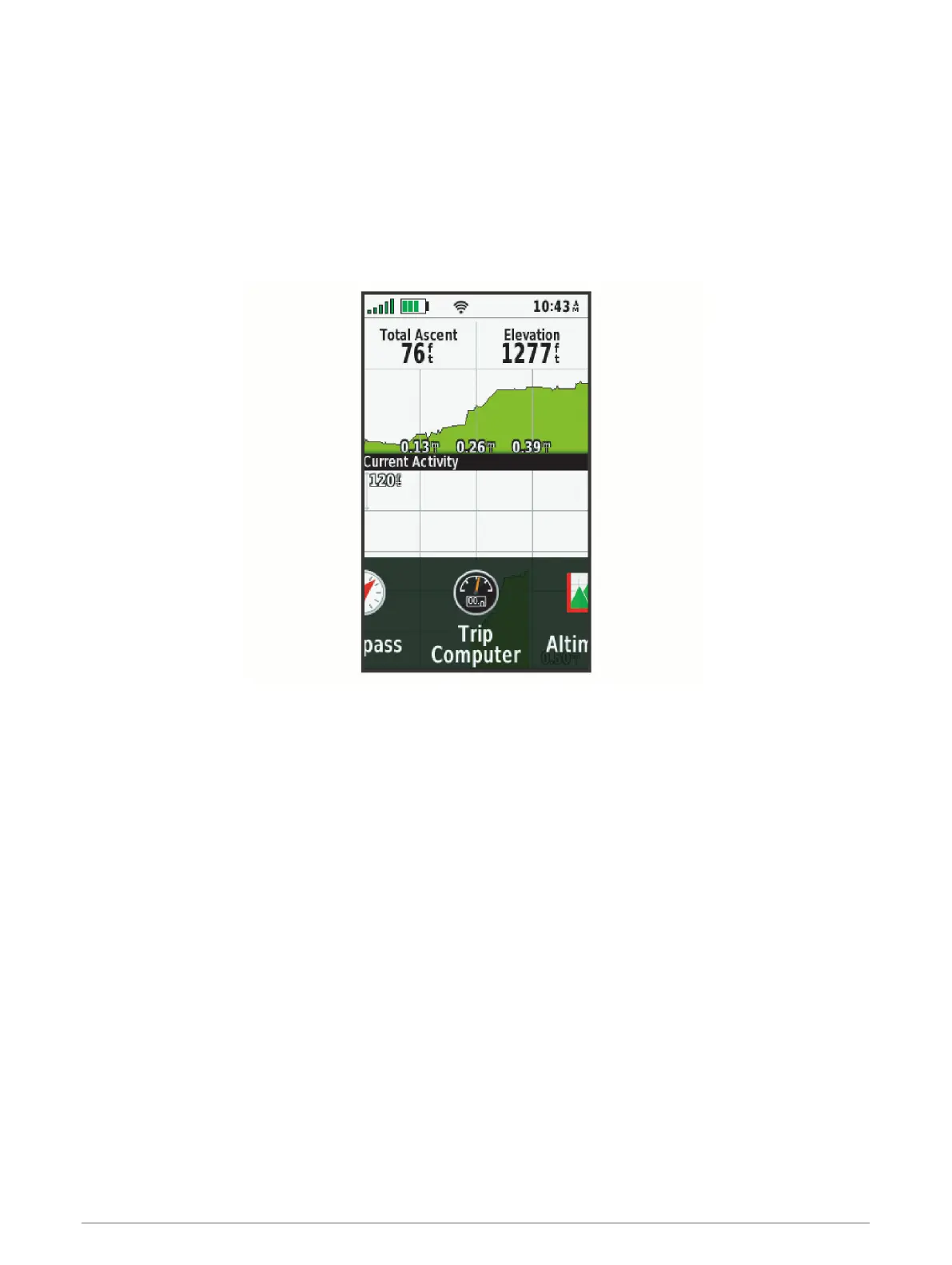
Changing the Page Sequence
1 Select Setup > Menus > Page Sequence > Edit Page Sequence.
2 Select a page.
3 Select an option:
• To move the page up or down in the list, select Move.
• To add a new page to the page sequence, select Insert, and select a category.
• To remove a page from the page sequence, select Remove.
TIP: You can select PAGE to view the page sequence.
Position Format Settings
NOTE: You should not change the position format or the map datum coordinate system unless you are using a
map or chart that specifies a different position format.
Select Setup > Position Format.
Position Format: Sets the position format in which a location reading appears.
Map Datum: Sets the coordinate system on which the map is structured.
Map Spheroid: Shows the coordinate system the device is using. The default coordinate system is WGS 84.
Changing the Units of Measure
You can customize units of measure for distance and speed, elevation, depth, temperature, pressure, and
vertical speed.
1 Select Setup > Units.
2 Select a measurement type.
3 Select a unit of measure.
Time Settings
Select Setup > Time.
Time Format: Sets the device to show time in a 12-hour or 24-hour format.
Time Zone: Sets the time zone for the device. Automatic sets the time zone automatically based on your GPS
position.
32 Customizing the Device



 To Next Page