Oregon 650 Owner's Manual 1
EN
Introduction
WARNING
See the
Important Safety and Product
Information
guide in the product box for
product warnings and other important
information.
Getting Started
When using your device the rst time, you
should complete these tasks to set up the
device and get to know the basic features.
1 Install the batteries (page 2).
2 Turn on the device (page 4).
3 Register the device (page 42).
4 Acquire satellites (page 4).
5 Select to view the status page
(page 29).
6 Mark a waypoint (page 5).
7 Navigate to a destination (page 12).
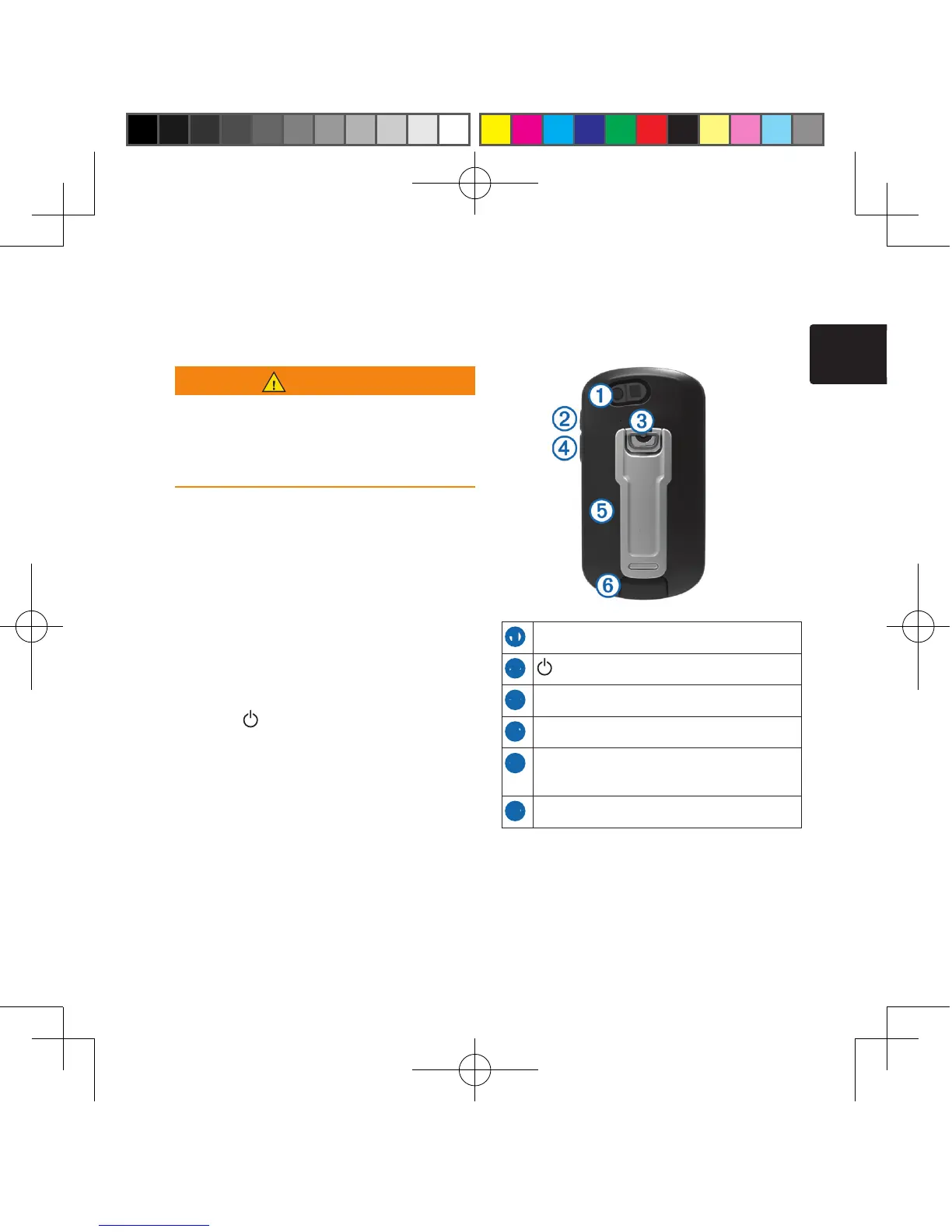
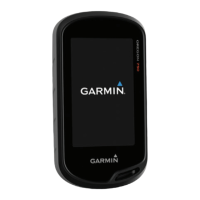
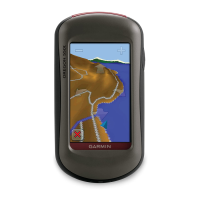
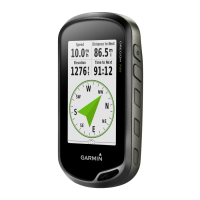
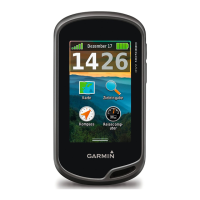
Device Overview
➊
Camera lens
➋
Power key
➌
Battery cover D-ring
➍
User key (page 29)
➎
microSD™ card slot (under battery
door)
➏
Mini-USB port (under weather cap)



 To Next Page