24 25
ENEN
Assembly instructions for fitters / Load balancing settings in the web interface Assembly instructions for fitters / Load balancing settings in the web interface
Wi-Fi version only
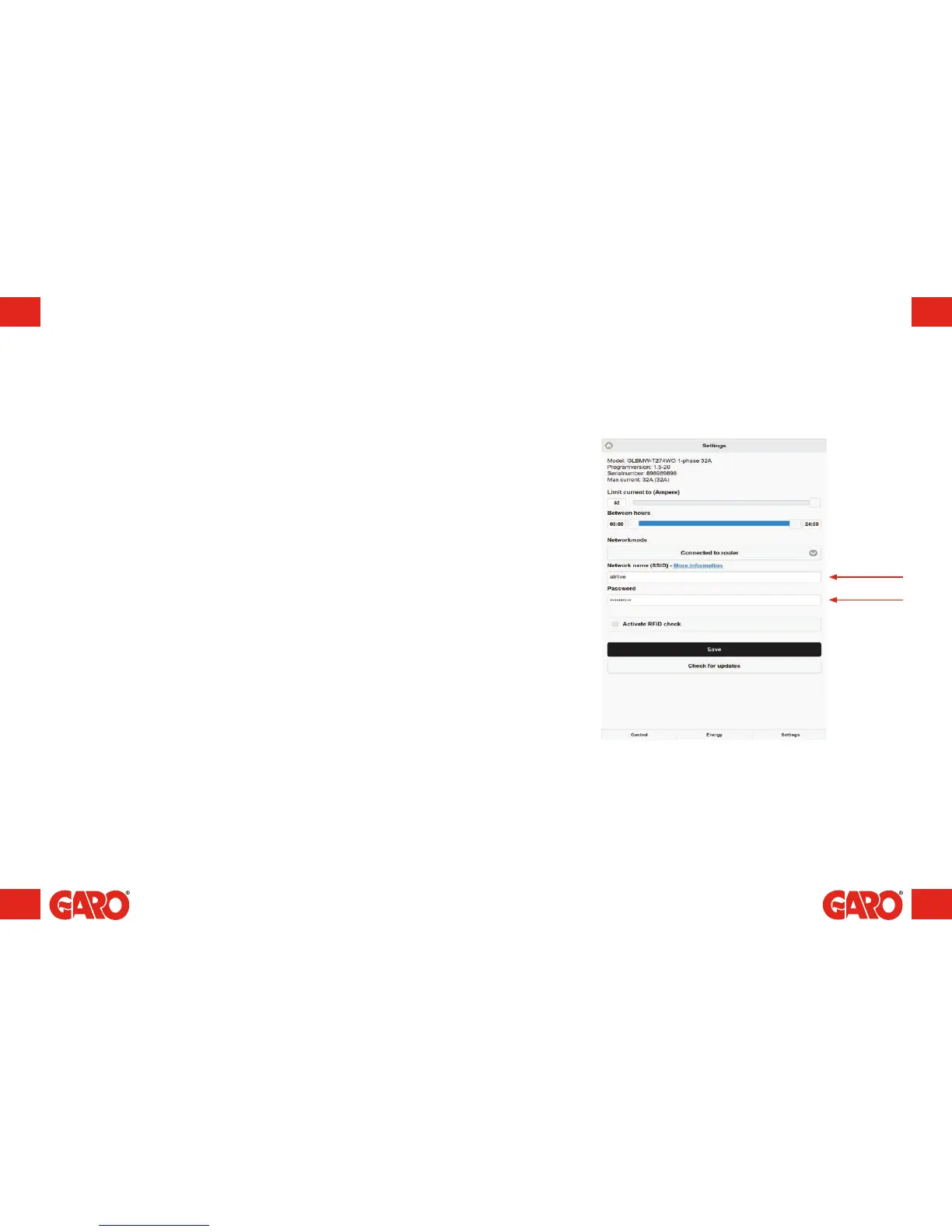
All load balancing settings in groups are carried out via the wallbox's web interface.
To connect a mobile phone, tablet or computer to the wallbox, see the section entitled
Connecting to a Wi-Fi access point (AP).
The ‘Load balancing meter connected – Group configuration’ option can be found under
Settings. The Fuse rating contract can be set (A), as can the value of the power rating
contract (kWh), where relevant.
Load balancing settings in the web interface
Serial no./SSID
Password
(figure 18)


 To Next Page