Adjusting the volume
www.gateway.com
53
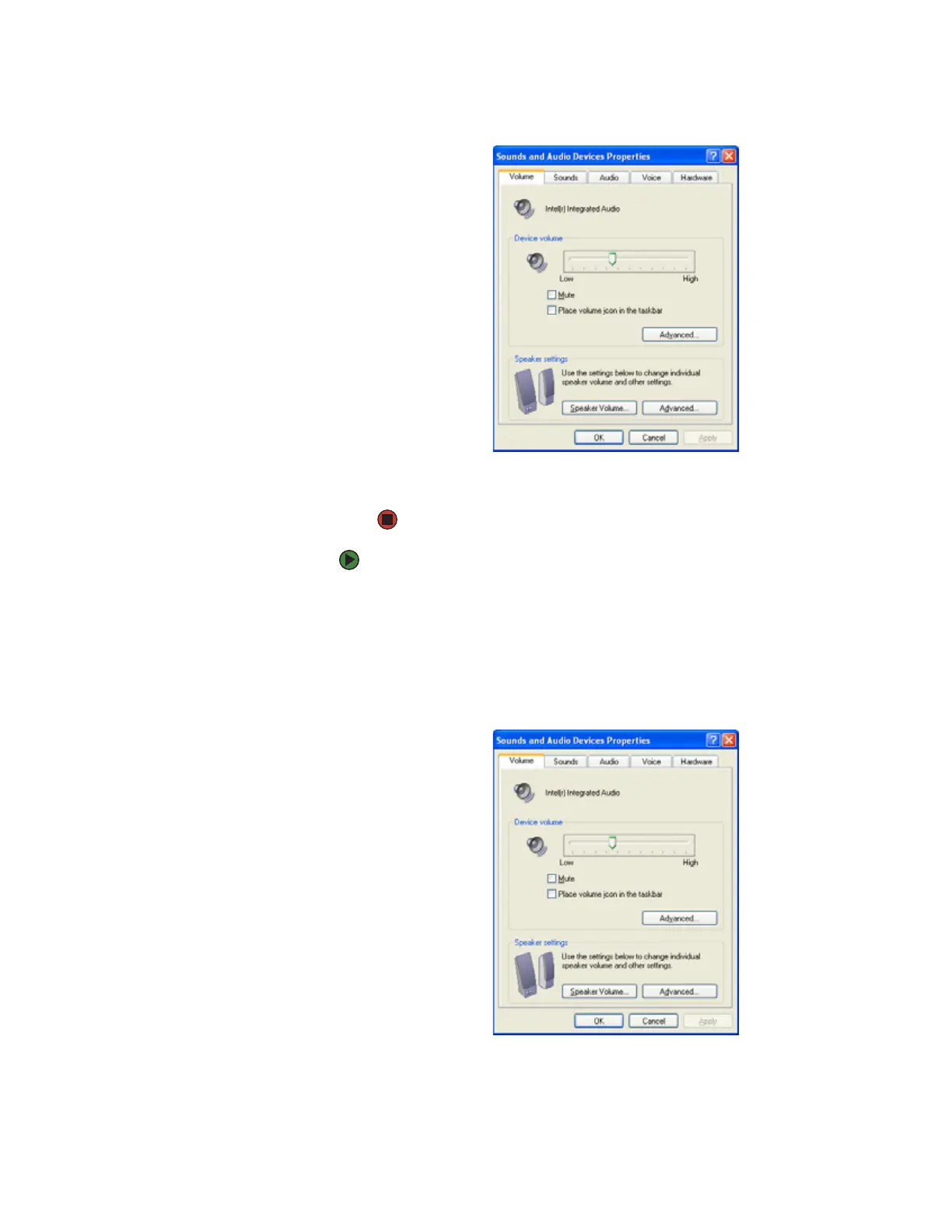
3 Click the Volume tab.
4 Drag the Device Volume slider to change the volume or click to select the
Mute check box, then click OK.
To adjust device volume levels:
1 Click Start, then click Control Panel. The Control Panel window opens. If
your Control Panel is in Category View, click Sounds, Speech, and Audio
Devices.
2 Click/Double-click the Adjust the system volume or Sounds and Audio
Devices. The Sounds and Audio Devices Properties dialog box opens.
3 Click the Volume tab.



 To Next Page