100
232001240G(08)
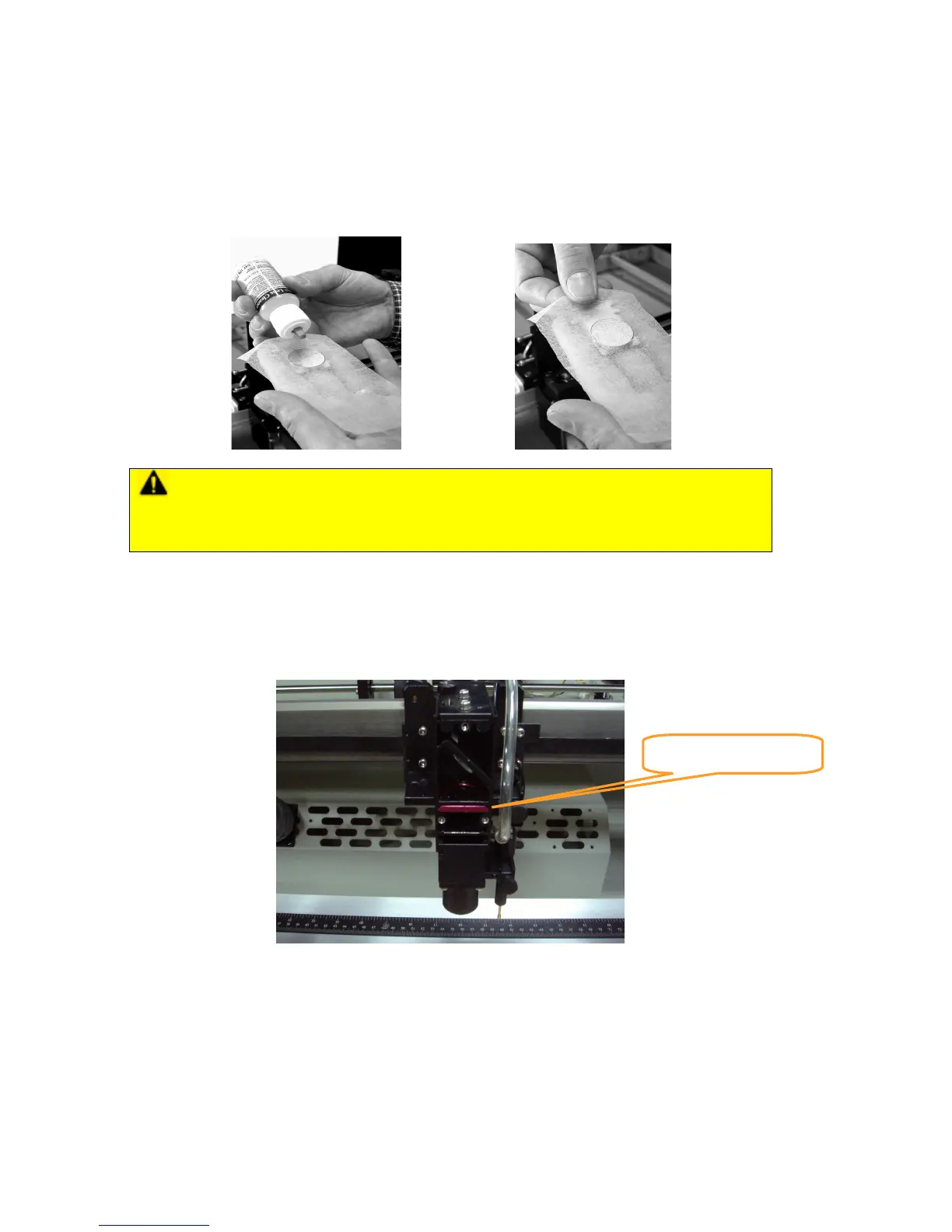
3) Apply a few drops of lens cleaner on the tissue covered mirror (apply enough so that the tissue
absorbs just enough to cover the mirror surface).
4) Pull the tissue across the mirror in only one direction.
5) Repeat the cleaning processes if the mirror is not completely clean after the first attempt.
6) Make sure that the mirror is completely dry before reinstalling it.
CAUTION
• If the center of the mirror is scratched, contact your LaserPro X252RX & X380RX dealer for
a replacement.
8.2.3 Removing and Cleaning the Focal Lens
1) Unscrew the three thumbscrews (front face of the laser head) securing the laser carriage panel
and remove the laser carriage panel to reveal the focal lens.
2) Carefully pull out the focal lens (as indicated in the picture below).
3) Clean the focal lens with a cotton swab and lens cleaner solution. Be sure to clean both sides of
the focal lens (DO NOT apply any finger pressure or other cleaning solutions to the lens surface).
4) After cleaning, use a cotton swab to gently dry the focal lens and lens cover.
Focus lens



 To Next Page