12
232001240G(08)
Chapter II - Unpacking & Contents
2.1 Unloading and Unpacking
The LaserPro X252RX & X380RX is shipped in one crate that contains the machine, the
software, and all of the necessary accessories. The following section contains detailed step-
by-step instructions for unpacking and assembly of the machine.
WARNING
To prevent personal injury or damage to the machine, please obtain assistance when
loading and unloading the shipping crate.
NOTE
Please save the original shipping crate. If the machine must be returned for product
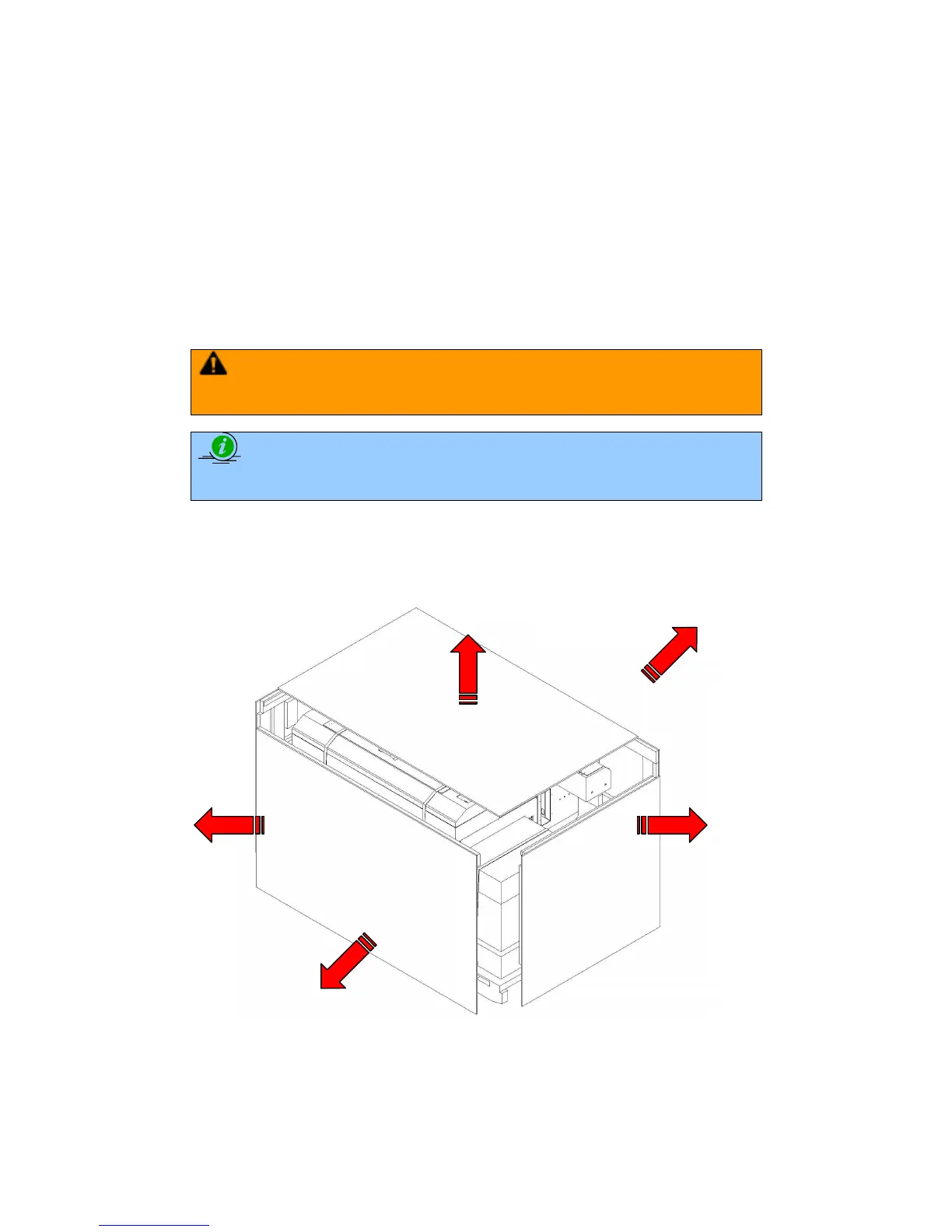
Unpack via the following steps:
1) Move the shipping crate near the designated work area.
2) Unscrew the screws fastening the top board and remove the top board.
3) Unscrew the screws fastening the sideboards for each side and remove each sideboard.
4) Unfasten and remove the two safety harnesses via the safety belt buckles on the front
side.



 To Next Page