68
232001240G(08)
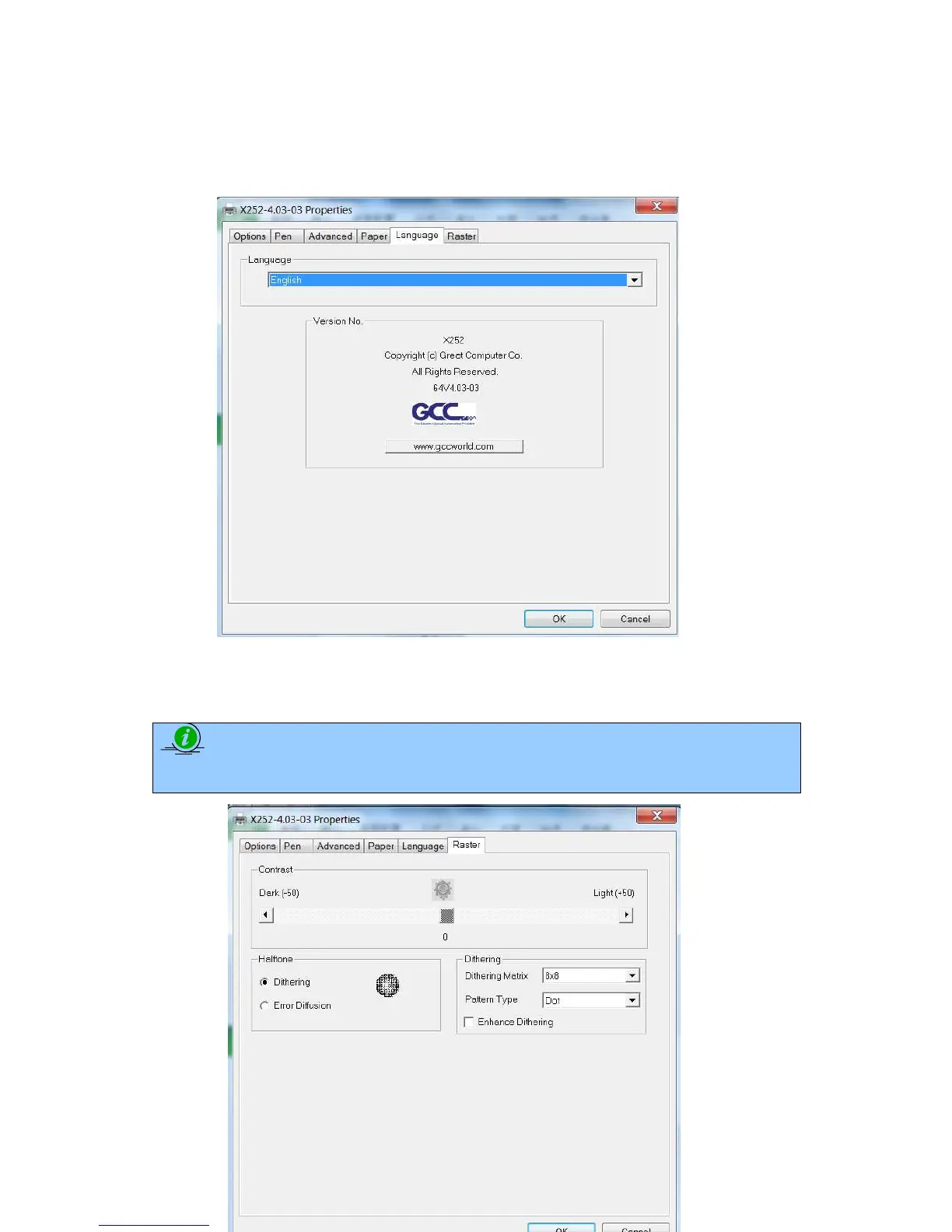
5.2.3.5 X252RX & X380RX Print Driver >> Language Page
This page allows you specify the language displayed by the X252RX & X380RX Print Driver. Current language
options allow for: English, Spanish, French, And Chinese (Simplified, Traditional), Japanese, and German.
5.2.3.6 X252RX & X380RX Print Driver >> Raster Page
NOTE
The Raster Page is only available when Black & White Mode Setting is selected from the
Options Page, this page offers a number of advanced Raster Engraving output options



 To Next Page