87
232001240G(08)
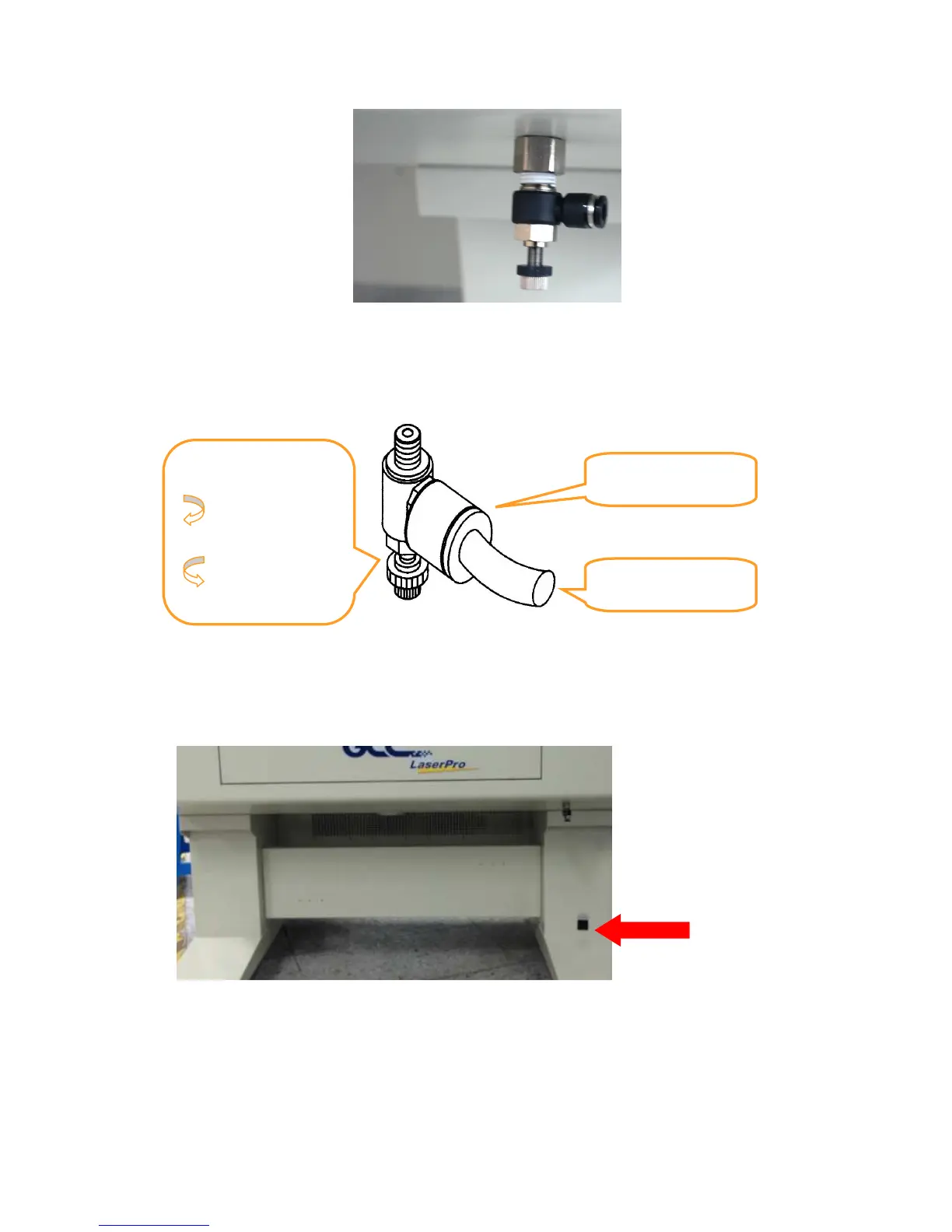
5) Take the unattached end of the ¼” air tubing (other end already connected to air compressor) and
connect it to the air tube connector on the air assist valve. Make sure you press down on the air tube
fastener when inserting the ¼” air tubing, to form a tight, secure attachment as indicated in the
diagram below.
6) Plug the air compressor to the power outlet on laser machine to control the air assist function through
laser driver and firmware.
<X252 Air Compressor Connection Power Outlet>
Air Flow Regulator:
Turn Clockwise
to increase
airflow
Turn Counter-
Clockwise to
decrease
airflow
Air Tube



 To Next Page