SX-2000 Installation Manual
11/8/2010
GDC Technology Ltd. Page 18 of 42
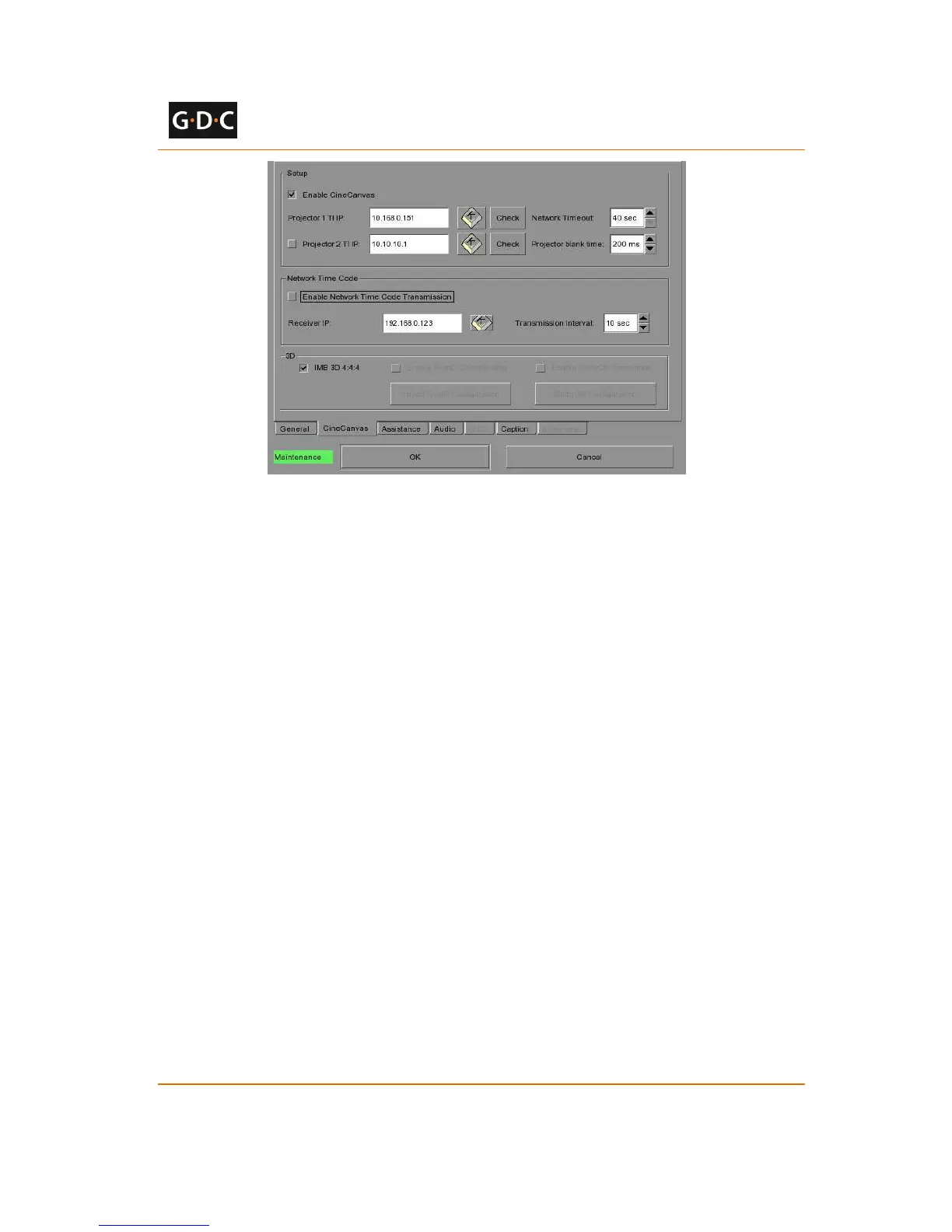
Figure 21 IMB 3D 4:4:4 configuration on SX-2000 server
2.6.1.1 NEC Series 2 projectors
The IMB 3D macros on existing NEC Series 2 projectors are configured for ‘4:2:2’ input.
If the ‘IMB 3D 4:4:4’ option is checked in SMS configuration, all IMB 3D macros should be
changed to use ‘4:4:4’ input.
2.6.1.2 Barco Series 2 projectors
The IMB 3D macros on existing Barco S2 projectors are configured to use the
‘GDC_IMB_422.input’ file.
If the ‘IMB 3D 4:4:4’ option is checked in SMS configuration, all IMB 3D macros should use the
input file named ‘Mediablock.input’.
2.6.1.3 Christie Series 2 projectors
The ‘IMB 3D 4:4:4’ option in SMS configuration must be checked.
No additional configuration is required for the projector.
3 SX-2000 server configuration
This section describes the steps necessary to set up the SX-2000 and configure it to work with
supported cinema equipment.



 To Next Page