SX-2000 Installation Manual
11/8/2010
GDC Technology Ltd. Page 20 of 42
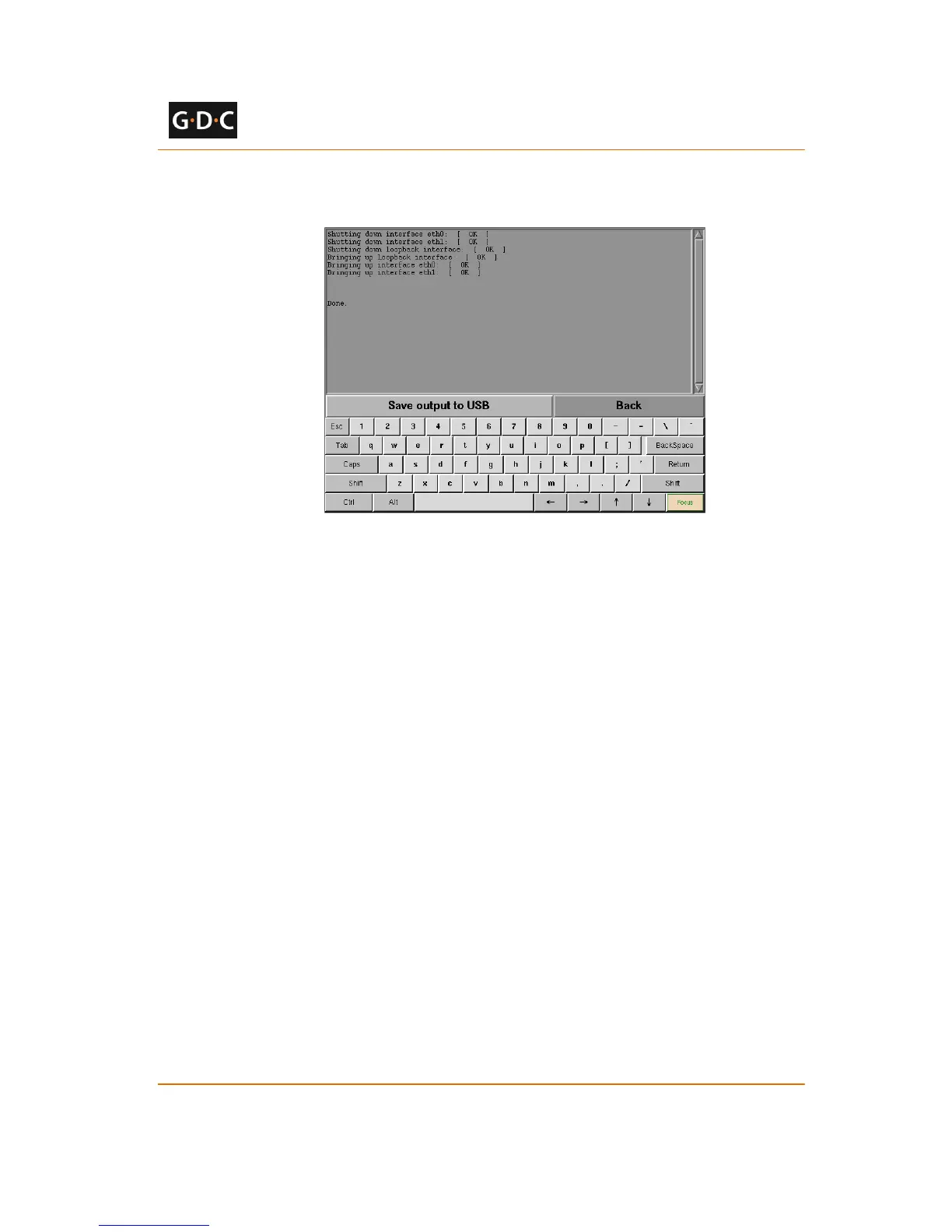
8 Click [Restart network service] on the Admin Panel Page to restart the network service.
A confirmation dialog will say “Done.” once the network services have been
restarted (see Figure 23)
Figure 23 Restarting network services
Click [Back] to return to the Admin Panel Page.
3.1.2 IMB and Projector IP Setup
The IMB and projector IP settings on the SX-2000 server must be configured for proper
operation. Once the SX-2000 server IP addresses are set up, the projector IP and IMB marriage
can be configured with the following steps:
1 Click the power button once to access the Control Panel
2 Select SMS->Configuration
3 Choose to log in as “Maintenance Access” and enter the Maintenance password
4 Click the [CineCanvas] tab to access the CineCanvas setup screen (see Figure 24)



 To Next Page