SX-2000 Installation Manual
11/8/2010
GDC Technology Ltd. Page 40 of 42
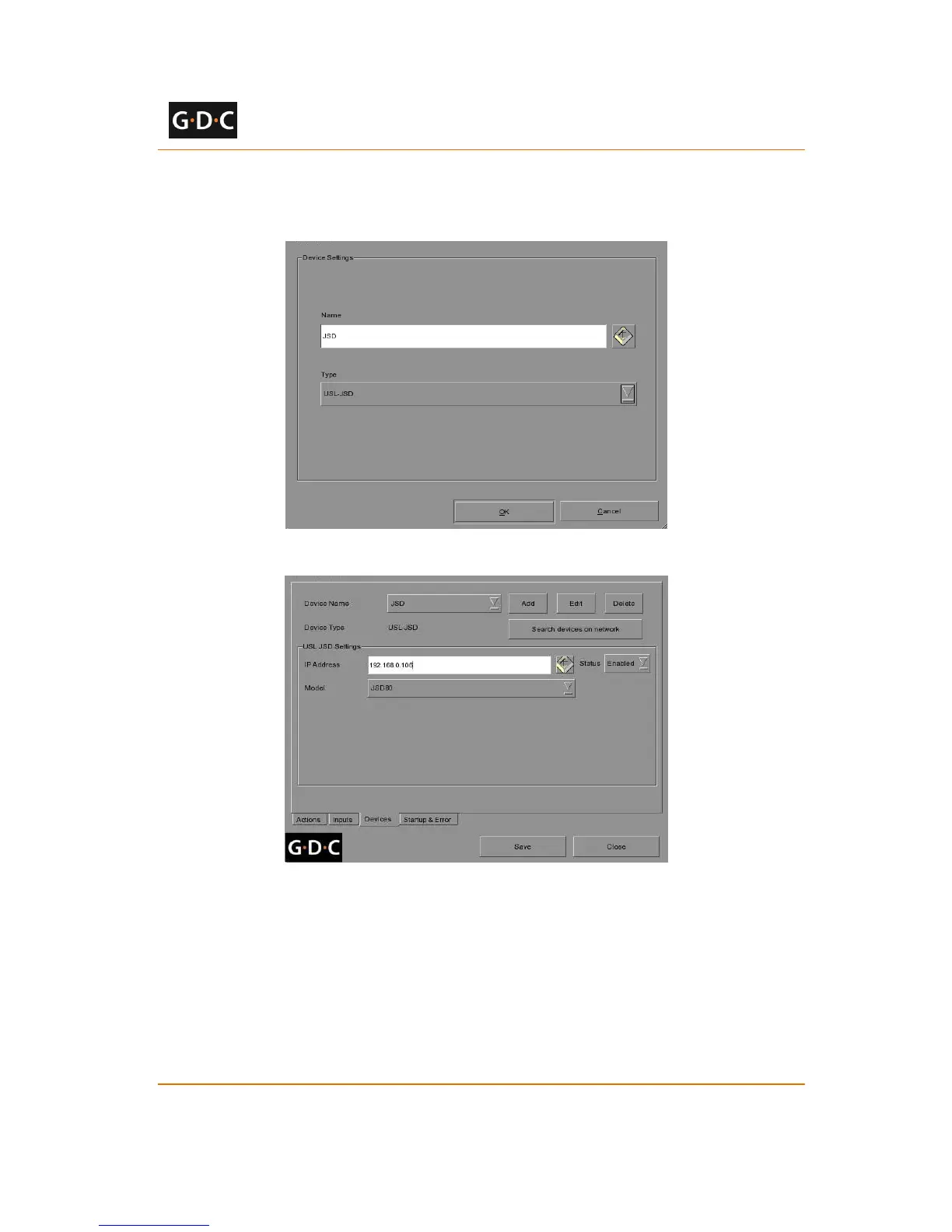
3. Enter the IP address of the USL JSD device (see Figure 47).
4. Select the correct model (JSD-80 or JSD-100) of the device the server is connected to.
5. Click the [Save] button to save configured settings.
Figure 46 USL JSD automation device setup
Figure 47 Automation settings for USL JSD device
3.3.12 Component Engineering TA-10 Setup
The Component Engineering TA-10 can be used for theater automation with the SX-2000 server.
It requires that the TA-10 be wired in a particular configuration. A wiring diagram can be seen in
Figure 48.
The TA-10 is connected to the SX-2000 server using the server’s GPIO input/output port.
Configure event labels with the GPIO device to trigger the TA-10.



 To Next Page