GASMAX/TX Operation & Maintenance Manual, Revision 1.0
Page 40
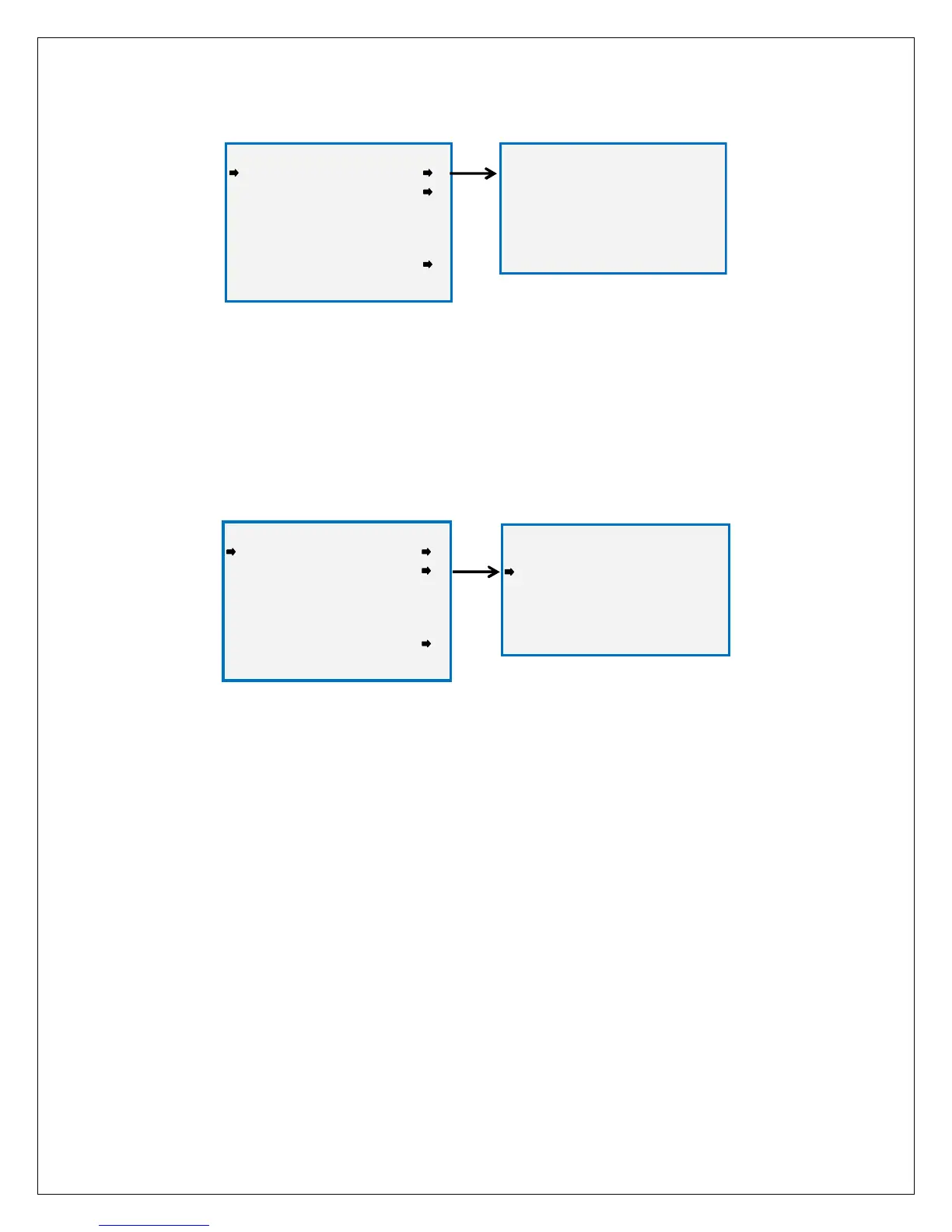
Figure 11-6: Set Unity Gain Menu
SET GAIN TO UNITY sets the Gain and Offset values to 1.000 and 0.000 respectively. This clears any
previous calibration data and is useful in troubleshooting if sensor readings appear to be incorrect.
WARNING: A FULL CALIBRATION SHOULD ALWAYS BE PERFORMED AFTER A SET GAIN TO UNITY
COMMAND.
Figure 11-7: Preamp Gain Set Menu
PREAMP GAIN SET Gas sensors have a very wide range of output levels and the PGA gain parameter is
used to match the sensors’ output to the Smart Sensor’s signal conditioning circuitry. Each type of sensor
has a nominal gain value that is preset at the factory. Altering the PGA gain value resets the calibration
Gain and Offset values to their default values of 1.000 and 0.000. The current PGA gain value is shown in
percent and can be increased or decreased by pressing the UP or DOWN keys.
WARNING: A FULL CALIBRATION SHOULD ALWAYS BE PERFORMED AFTER ANY CHANGE IN THE PREAMP
GAIN SETTING.
***** WARNING *****
***** WARNING ********** WARNING *****
***** WARNING *****
Previous calibration
will be erased
EDIT to Continue
NEXT to Exit
TECHNICIANS MENU
TECHNICIANS MENUTECHNICIANS MENU
TECHNICIANS MENU
Set Gain to Unity
PreAmp Gain Set
Zero Cal Value 0.0
Raw Min Counts 800
Raw Max Counts 4000
RF Link Test
A/D Counts 805
PGA SETUP
PGA SETUPPGA SETUP
PGA SETUP
Gain 67.4%
Counts 805
Reading 0.2
Up/Dn to change
NEXT to Exit
TECHNICIANS MENU
TECHNICIANS MENUTECHNICIANS MENU
TECHNICIANS MENU
Set Gain to Unity
PreAmp Gain Set
Zero Cal Value 0.0
Raw Min Counts 800
Raw Max Counts 4000
RF Link Test
A/D Counts 805



 To Next Page