GASMAX/TX Operation & Maintenance Manual, Revision 1.0
Page 44
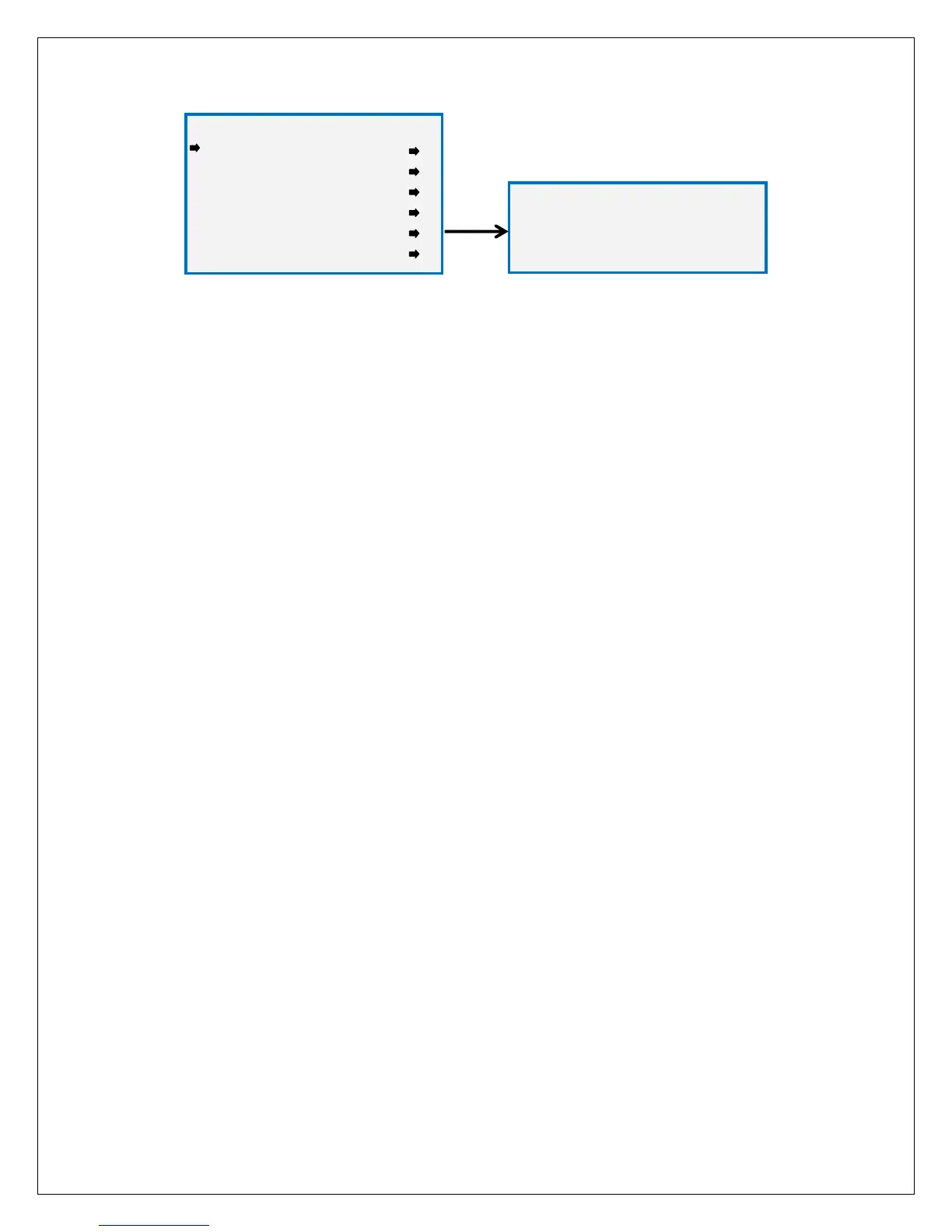
Figure 11-13: Power Off Menu
TURN POWER OFF To turn the GASMAX/TX off, select the Device Setup – Turn Power Off menu or hold the
magnet over the NEXT key until the display shows “EDIT to Accept, and then press the EDIT key.
***** WARNING *****
***** WARNING ********** WARNING *****
***** WARNING *****
TURNING OFF POWER
EDIT to Accept
NEXT to Abort
DEVICE SETUP
DEVICE SETUPDEVICE SETUP
DEVICE SETUP
RF Link Setup
Clock/Delays
Security
LCD Contrast
Turn Power OFF
Reset Range Icon



 To Next Page