– 25 –
Aux Set
Aux Set - Press the Red AU; SET Button Zhen in the STOP Mode
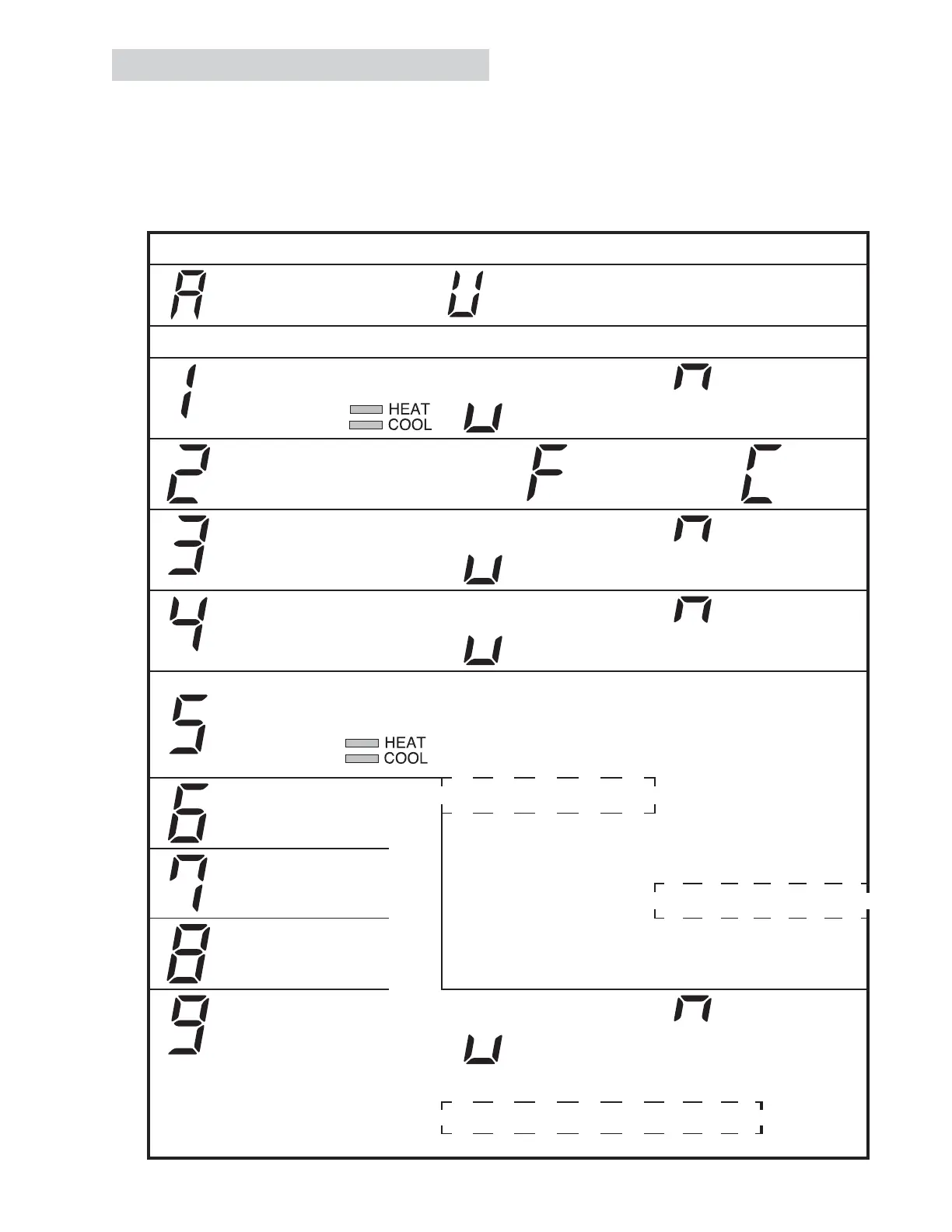
This menu allows the user to set up various con¿gurations. The display has a number 0 in the left digit, and
the setting in the right digit. The heat and cool LED's are also used.
On entry, the display shows AU. Pressing MODE steps through the entries, and pressing +/- changes the
value. AUX saves and exits the set up.
Press "AUX SET"
First Digit Second Digit
Press "Mode" Press + / -
Smart Fan
- Cycle - Cont
Temperature
Display
Sentinel - Oȹ - On
Constant Fan - Oȹ - On
Temperature
COOL HEAT
0: 60°F - 85°F 0: 60°F - 65°F
Limit
1: 64°F - 85°F 1: 60°F - 70°F
Class 2
Mode
2: 66°F - 85°F 2: 60°F - 72°F
3: 68°F - 85°F 3: 60°F - 74°F
Duct Mode
4: 70°F - 85°F 4: 60°F - 76°F
5: 72°F - 85°F 5: 60°F - 78°F
All I2R Mode
(AZ65 Only)
6: 74°F - 85°F 6: 60°F - 80°F
7: 76°F - 85°F 7: 60°F - 85°F
Boost Heat
(AZ65 Only)
- Oȹ
- On
* Factory defaults

 To Next Page
 Loading...