EasyManua.ls Logo

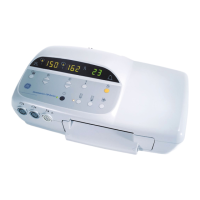
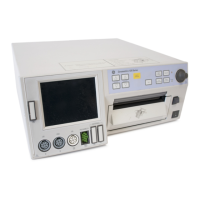
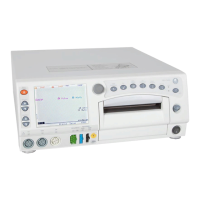
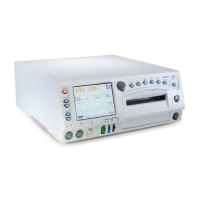
GE Corometrics 172 - Service Manual

GE Corometrics 172
248 pages
Print Icon
To Next Page IconTo Next Page
Loading...
Corometrics
®
170 Series
SERVICE MANUAL MANUAL P/N 2000947-004 REV. C

Table of Contents

Other manuals for GE Corometrics 172

Questions and Answers

  • V
    vbrennanSep 12, 2025
    How to fix no monitoring functions on GE Measuring Instruments?
    • A
      Amy BrewerSep 12, 2025
      If the green Power indicator does not illuminate and no monitoring functions are working on your GE Measuring Instruments, check the power cord connections from the monitor to the converter and from the converter to the AC line power. Replace any defective cords and try using a different outlet. The issue is likely due to a disconnected or defective power cord, or a defective AC outlet.
  • J
    Justin RobertsSep 14, 2025
    Why is the time and date printed on strip chart paper incorrect on GE Measuring Instruments?
    • J
      jennifer46Sep 14, 2025
      If the time and date printed on the strip chart paper are incorrect on your GE Measuring Instruments, access the user setup mode and reset the time and date. The issue may be due to the time being incorrectly set or a fault with the clock circuit or battery.

GE Corometrics 172 Specifications

General IconGeneral
BrandGE
ModelCorometrics 172
CategoryMedical Equipment
LanguageEnglish

Related product manuals