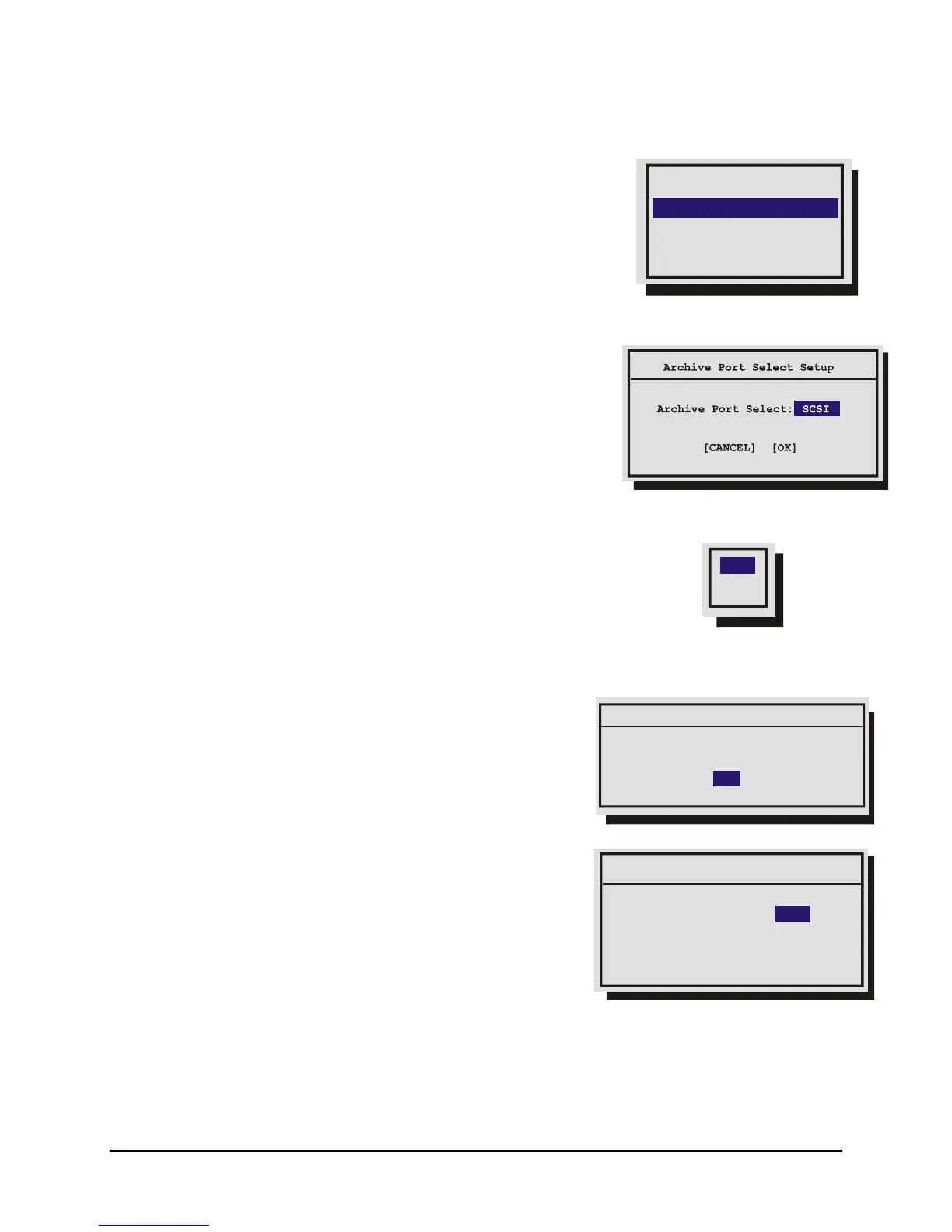
3.15 Archive Setup
Data recorded by the unit can be archived to an external
archive device.
Use this menu to:
Port Select
Erase Archive Medium
QuickWave Setup
Background Archive
• Select the Port where the archive device will be connected.
• Turn Background Archiving mode Off and On.
• Erase the recorded data on a compatible archive device.
• Enable or Disable QuickWave Setup.
Main Menu → Archive Setup → Port Select
Select the Port or interface to which the archive device will be connected.
Select from the following items.
SCSI: SCSI archive devices.
1394: 1394 Firewire archive devices.
Main Menu → Archive Setup → Background Archive
Background Archive: Commands the unit to record data to both the
hard disk and the archive device simultaneously.
Select from the following items.
OFF: Turns background archiving Off.
ON: Turns background archiving On.
ON
OFF
Main Menu → Archive Setup → Erase Archive Medium
Use this feature to erase all of the recorded data on an
archive device.
With Erase Archive Medium highlighted, press the Enter
button. If a compatible archive device is connected, a
confirmation box will appear, otherwise no action will occur.
Message
Erase all Records. Are you sure?
YES
QuickWave CD Write: ON
QuickWave Setup
[CANCEL] [OK]
Main Menu → Archive Setup → QuickWave Setup
This feature provides the option of having the QuickWave software
written to any CDs that are created. This allows the CD to be read
on any PC without installing software. Select ON to enable, OFF to
disable.
0150-0313B 56 DVMRe CT II



 To Next Page