6 WebBrowser
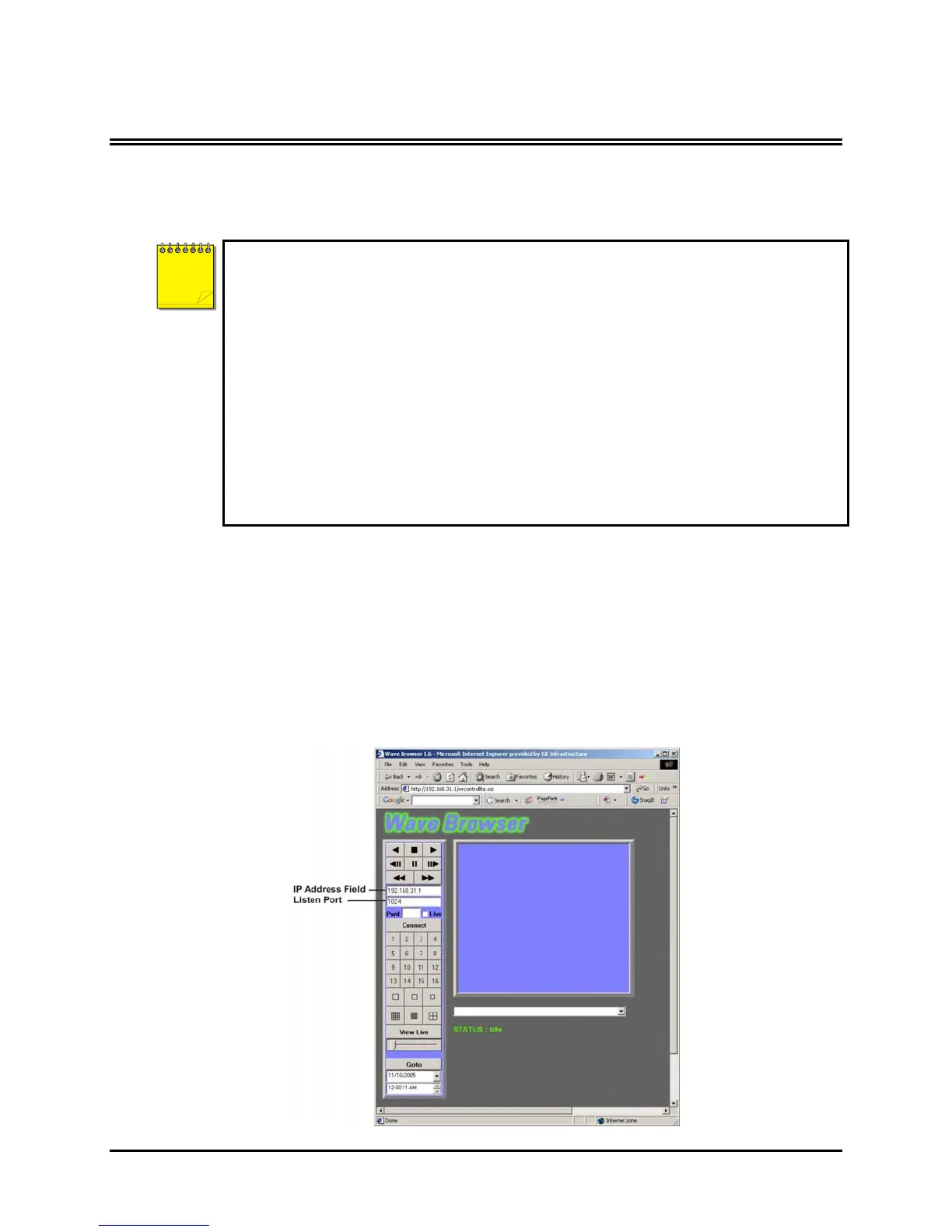
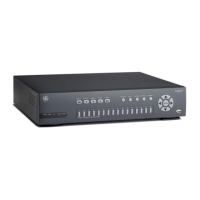
The DVMRe CT II has an integrated WebBrowser interface. The WaveBrowser option allows the user to
view video from any ethernet connected CT II with software version 4.09 or above.
For WaveBrowser to function properly, certain ActiveX controls must be set correctly. To
setup the ActiveX controls:
1. Click on the Tools → Internet Options Menu in Internet Explorer.
2. Click on the Security tab.
3. Select Internet for the Web Content Zone.
4. Click on the Custom Level button.
5. Ensure that both Download unsigned ActiveX controls and Initalize and Script
ActiveX controls not marked as Safe are set to Prompt.
6. Click the OK button.
7. Click on the Yes button in the Warning message.
8. Click the OK button in the Internet Options window.
NOTE
To access the web interface:
1. Launch Internet Explorer (version 5.5 or later) on any local Internet connected PC or laptop.
2. Type in the Triplex’s IP address or hostname in the address field and press enter. The Enter
Network Password box should appear.
3. Enter the correct Username and Password in their respective fields (the default username and
password is admin). Click the OK button.
4. The WaveBrowser window should appear. Type the IP address in the IP Address Field and click
the Connect button.
0150-0313B 81 DVMRe CT II


 To Next Page