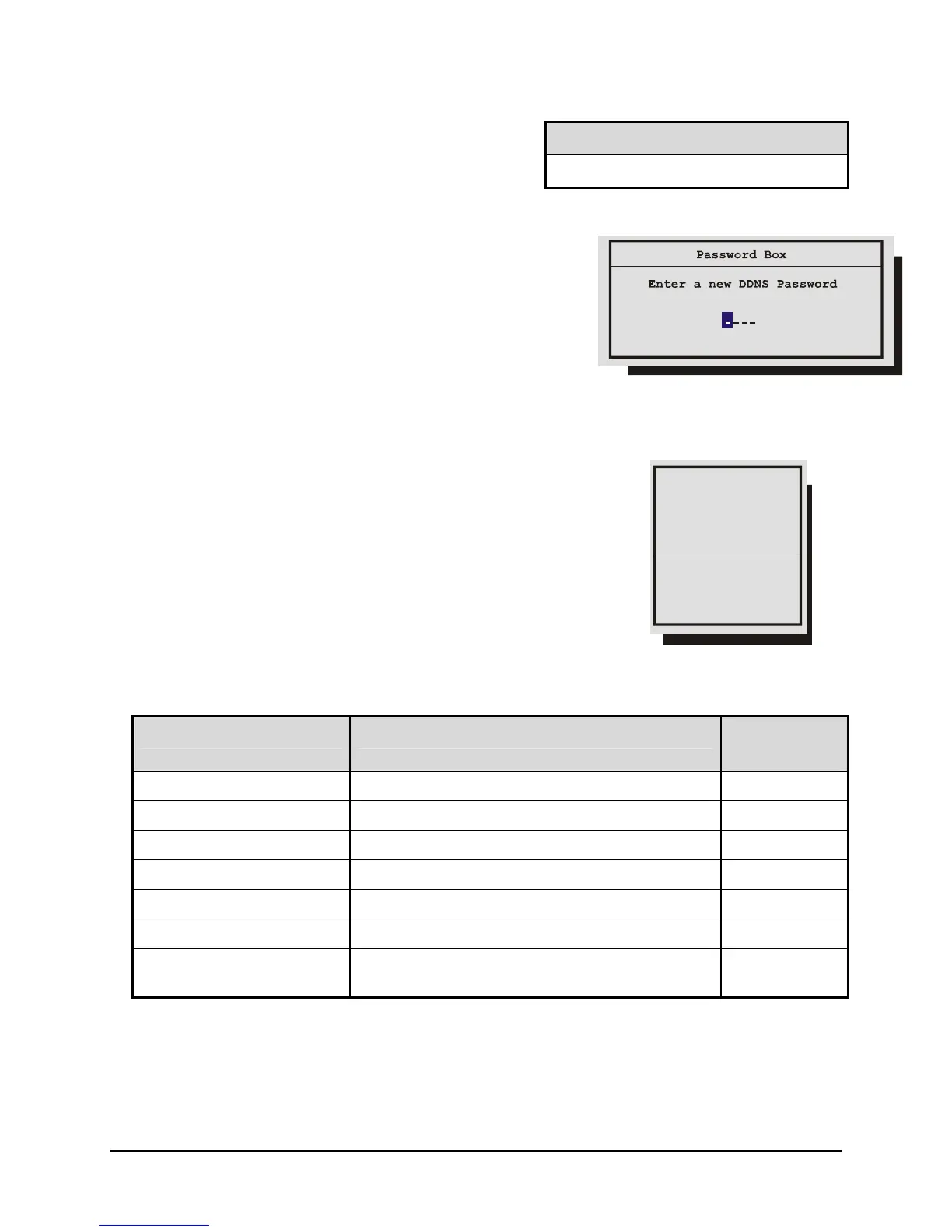
Deactivate The Ethernet Password
Ethernet Access Reset Password
To return the unit to No Ethernet Password Protection,
enter the Ethernet Access Reset Password in the
password box shown above.
1 1 1 1
The DDNS Password
The DDNS password enables the DVMRe CT II to contact
the Domain Name Server in order to provide IP to Domain
Name translation. You must obtain this number by calling
you Domain Name Service. By default this password is
2222. This password is only used when Name Service in
the Ethernet Settings Menu is set to GnuDIP.
3.21 The QuickInstall Menu
QuickInstall Menu Overview
Change the time
Change the date
dit Camera Titles
Camera Disable
Record Quality
nstaller Password
Auto Disable Now
After installation is complete, it is strongly recommended that, as
a minimum, the items in the QuickInstall menu be configured
before the unit is used.
All items located in the QuickInstall menu are also found in the
Main menu. These items are provided in the separate QuickInstall
menu as a convenience for the installer.
Use the following table to find detailed information about configuring
specific items from the QuickInstall menu.
QuickInstall Menu Item Primary Menu Location Section In
Manual
Change the time
Main Menu → Time/Date → Set Time
3.8
Change the date
Main Menu → Time/Date → Set Date
3.8
Edit Camera Titles
Main Menu → Camera Setup → Camera Titles
3.14
Camera Disable
Main Menu → Camera Setup → Camera Disable
3.14
Record Quality
Main Menu → Record → Record Quality
3.10
Installer Password
Main Menu → Passwords → Installer Password
3.20
Auto Disable Now
Main Menu → Camera Setup → Camera Disable
→ Auto Disable Now
3.14
0150-0313B 63 DVMRe CT II



 To Next Page