14 15
Setting Language and Date/Time
The Date/Time and Language setup page will
automatically appear when the camera is turned on the
rst time.
To set the display language and date/time, go to the following
setup options in the General Setup menu.
• Language
• Date/Time
To access the General Setup menu, do the following:
1.
Pr
ess the Power button to turn the camera on.
2. Pr
ess the
button, then switch among camera settings
menus with the Left/Right button and select the General
Setup menu. Then press the Up/Down button to access
General Setup menu options.
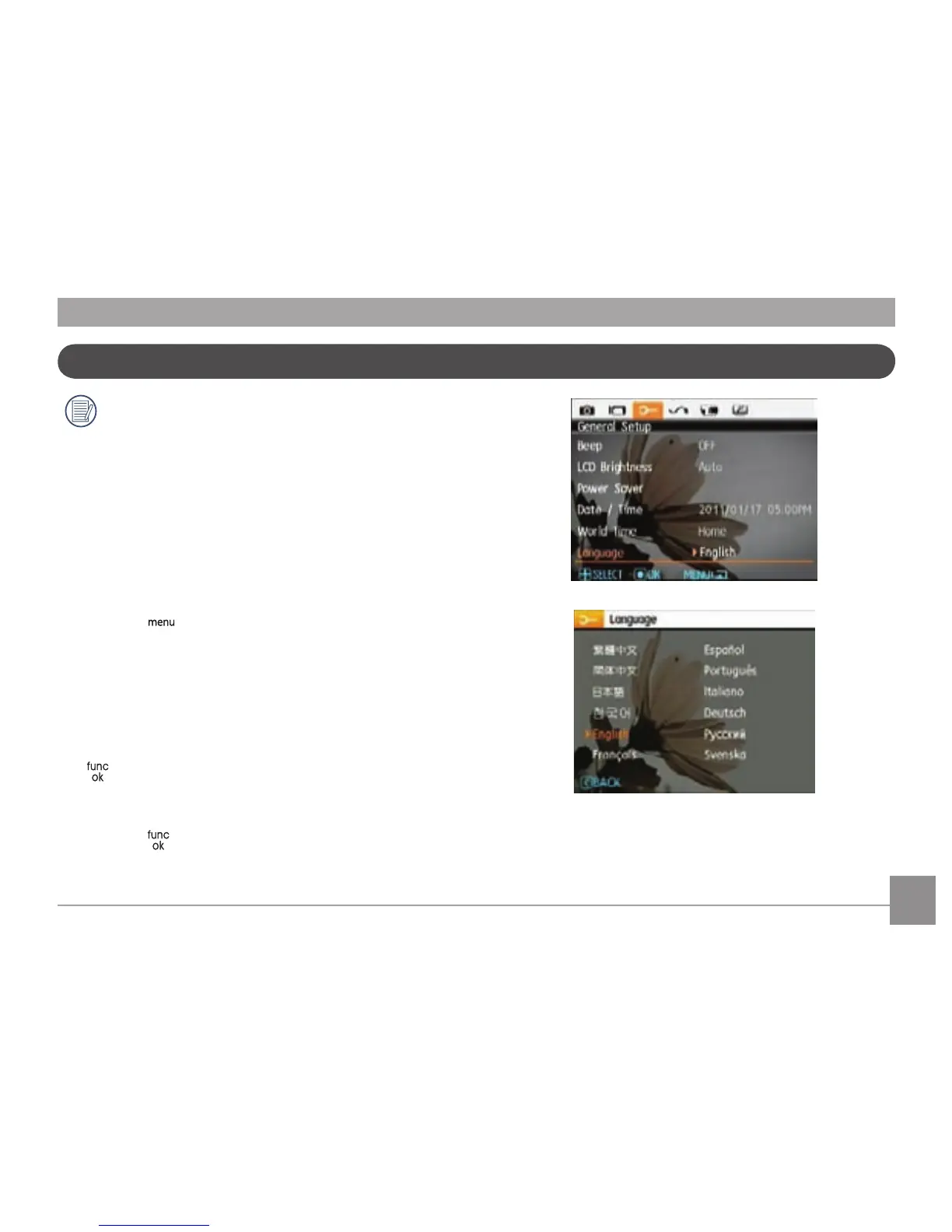
Setting the Language
1. Select language with the Up/Down butt
on, then press the
or right button to enter language options.
2. Use the Up/Down/Left/Right buttons to select the desired
language.
3. Pr
ess the button to conrm the setting.



 To Next Page