Using Zoom Playback (for still pictures only)
When viewing photos, you can also use the zoom lever to
zoom in (2~8) times.
1. Press the
button to enter the Playback mode.
2. Use the Left/Right navigation buttons to select a photo
to magnify.
3. Pr
ess the
section of the zoom wheel to zoom into
the photo.
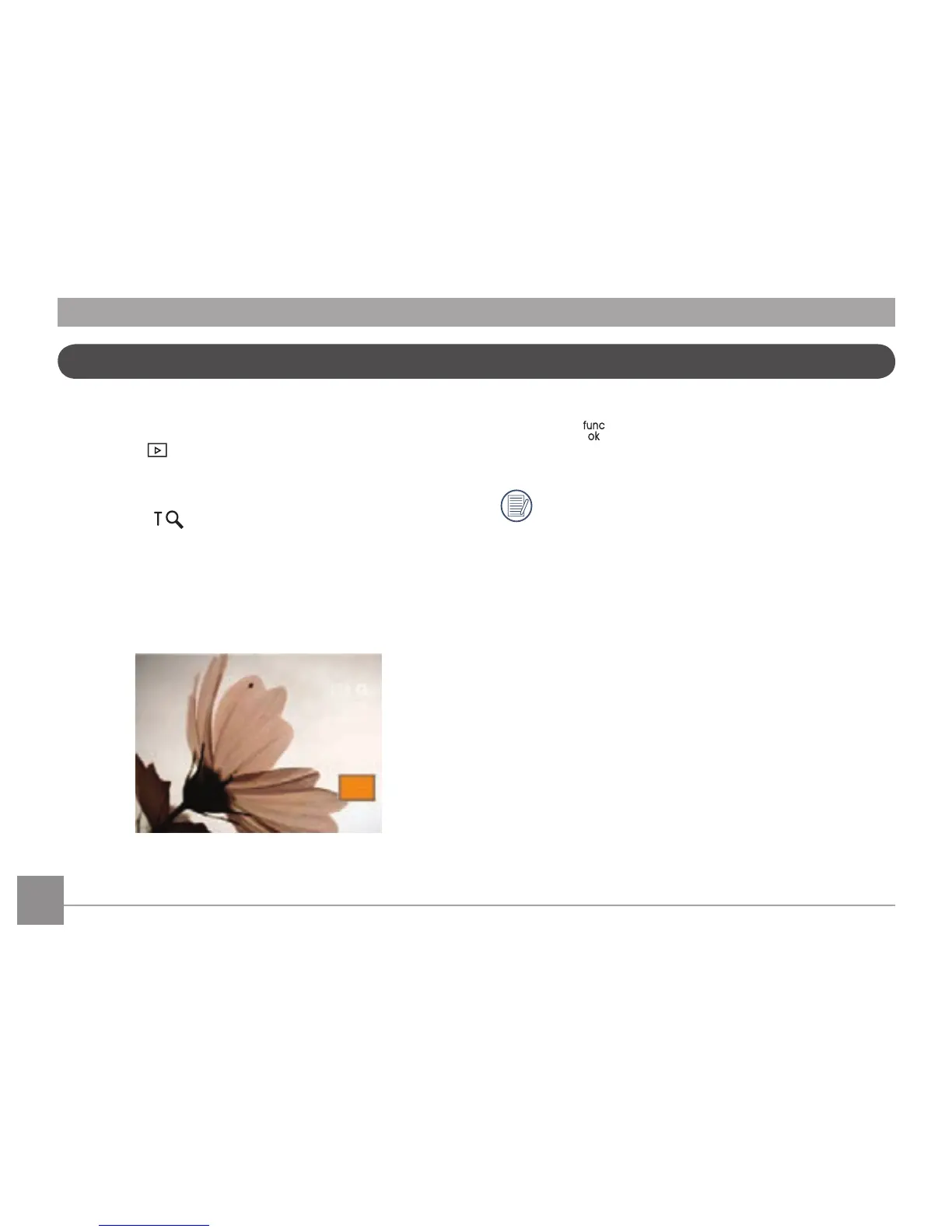
4. When using the zoom wheel to magnify an image. A zoom
indicator with your magnied position will appear in the
display.
5. Use the navigation buttons to pan across the image.
6. Press the
button to return the image to its original
scale.
Movie images cannot be magnied.



 To Next Page