34 3534 35
The Face Detection mode will detect and enhance facial
features.
1. In Shooting Mode, press the Left/Face Detection button to
enable the Face Detection and the (
) will appear on
the LCD.
2. Hold the camera secur
ely, and point the camera towards
the subject to start the face detection process. When the
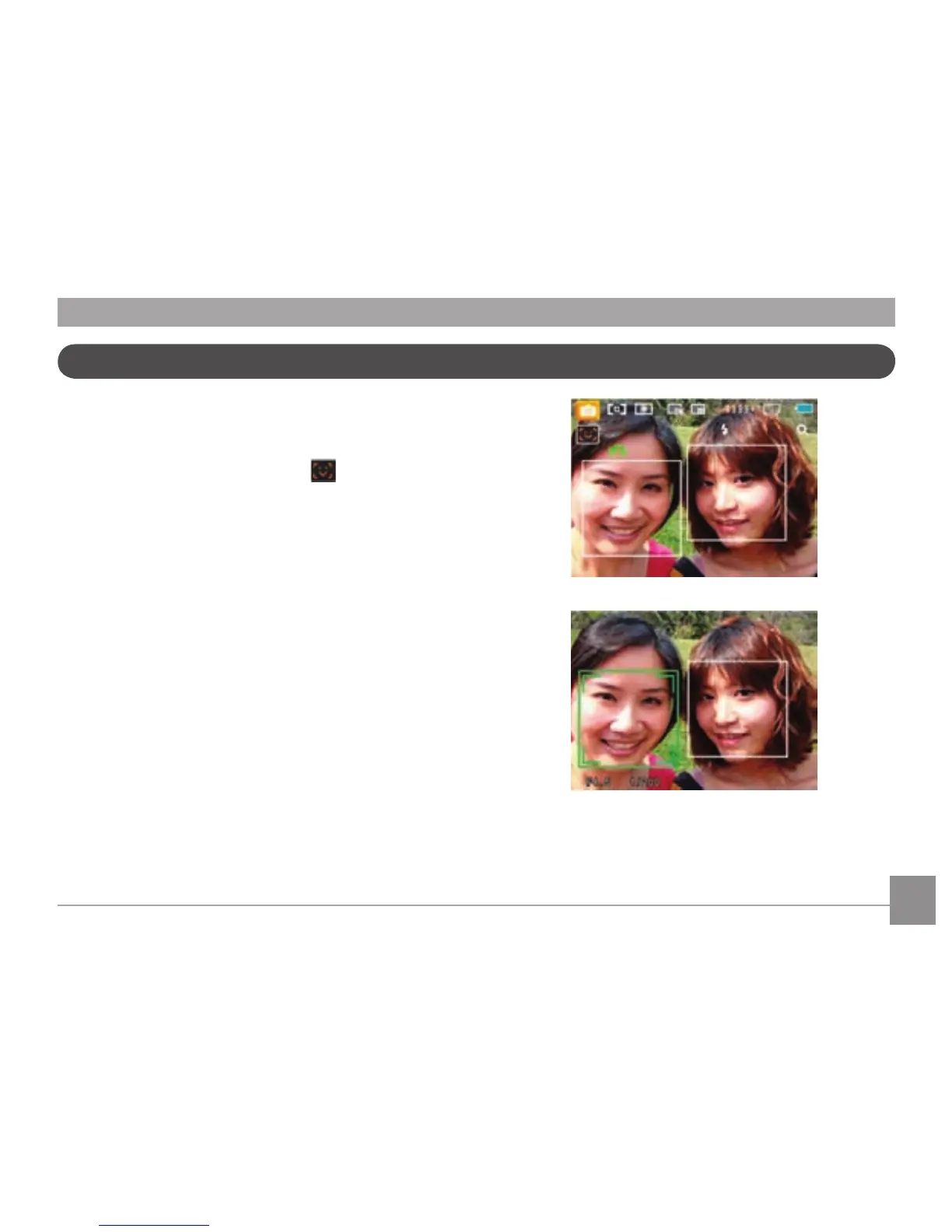
camera detects a face, a white rectangular frame will be
drawn around the face. (Note: For best results, the face of
the subject should be relatively large on the LCD screen,
and the subject should be facing the camera as directly on
as possible.)
3. Pr
ess the Shutter button halfway to focus on the
subject
.
4. The frame around the face will turn green when the
subject is in focus. Press the Shutter button fully to
capture the image.
5. Pr
ess the Left/Face Detection button to dissable Face
Detection.
Face Detection



 To Next Page