30 3130 31
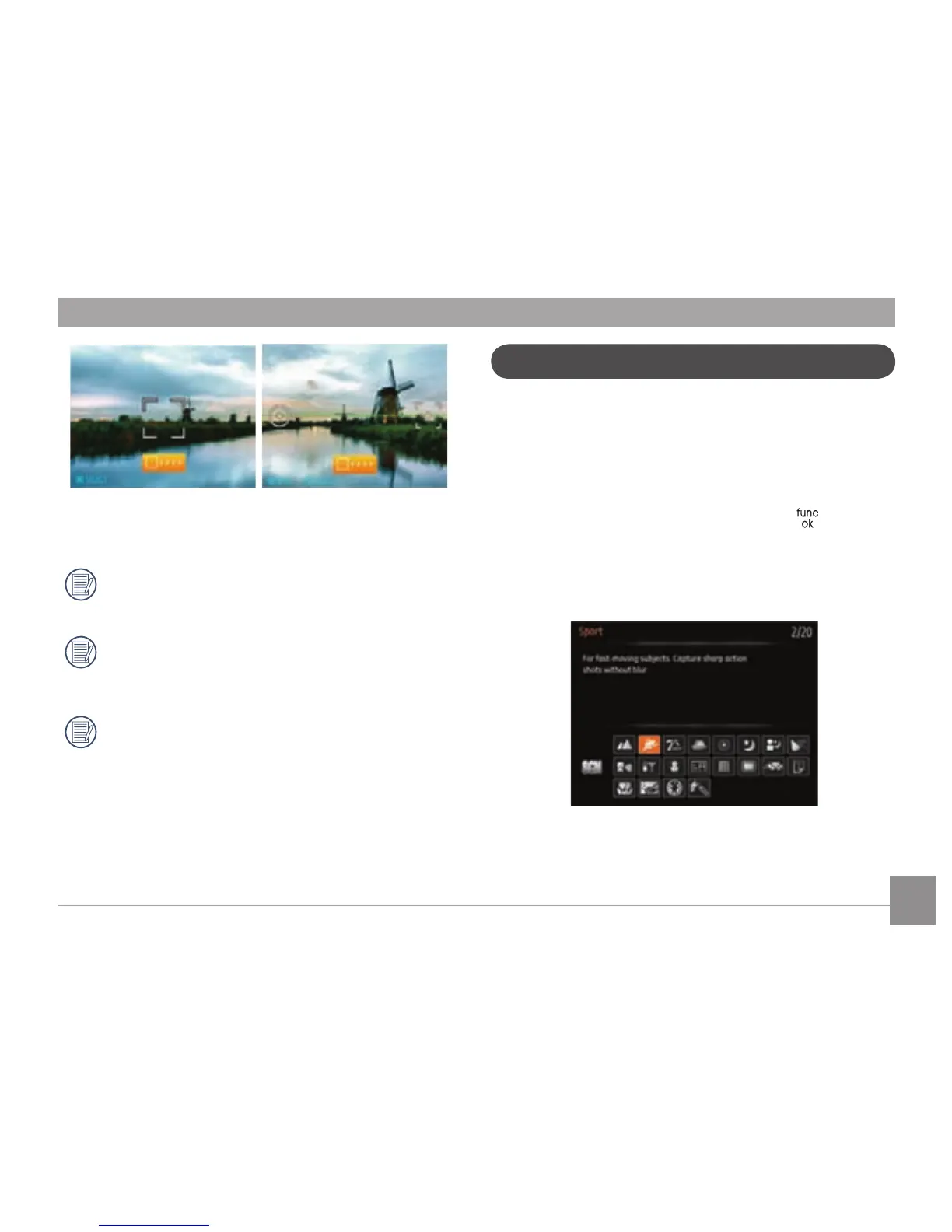
4. After taking 8 frames, the camera will stitch the images
together automatically. Press the Playback button to view
the nal image.
After selecting Panorama mode, Flash, Self-timer, Macro
mode and Exposure Compensation can’t be adjusted.
After taking a Panoramic picture press the func/ok
button to save and exit or press the Delete button to
cancel and exit.
In Montage mode, up to 8 photos can be captured when
the image size is set at 2MP.
In Manual Scene mode, you can select from a total of 20
scene types to match your needs. You just need to select the
right scene for the occasion and the camera will automatically
adjust to the optimal settings for you.
Press the Mode button, then use the Left/Right button to enter
the Scene Selection mode menu, then press the
button to
enter Scene Selection mode, the following gure will display
on LCD screen:
Manual Scene Mode (SCN)



 To Next Page