54 55
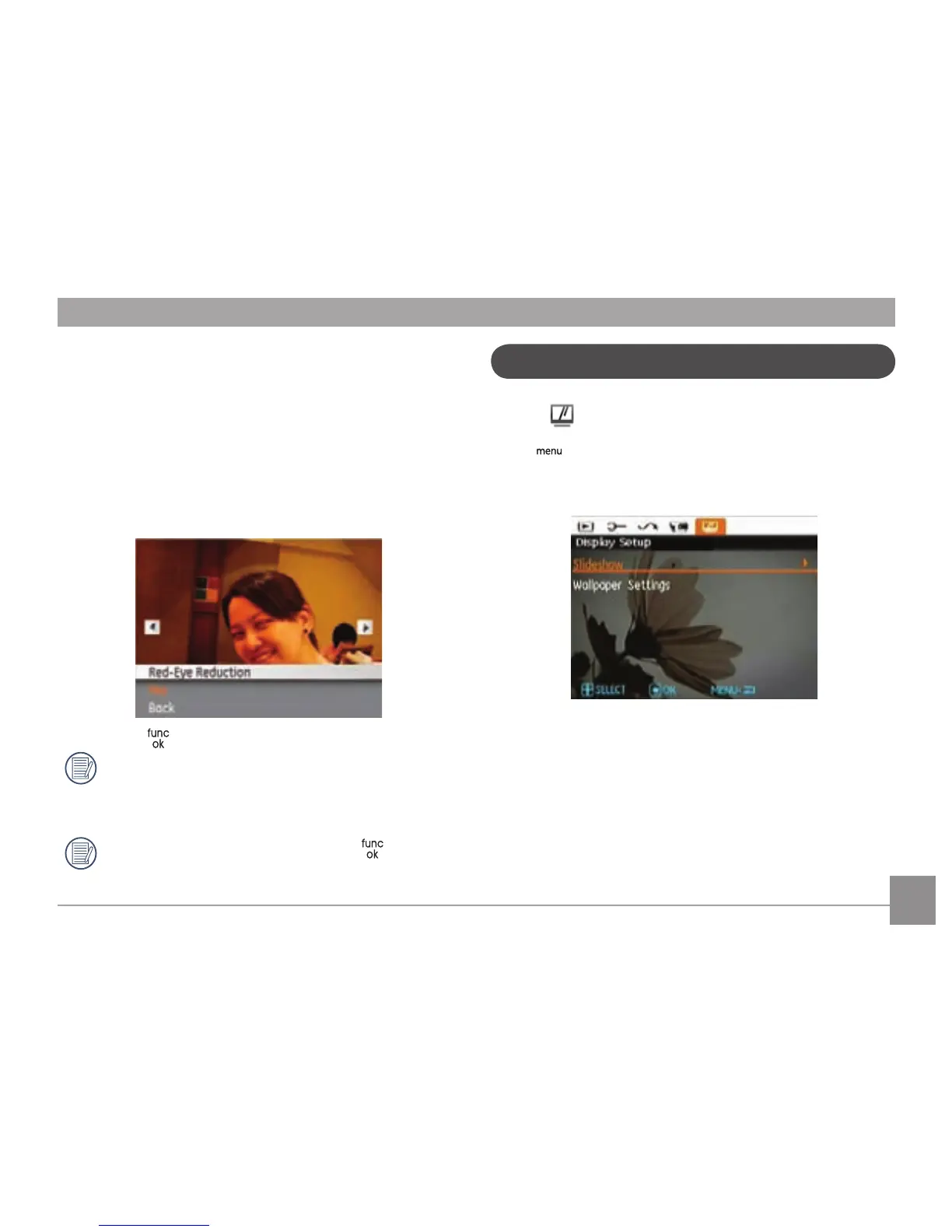
Red-eye Reduction
Use this setting to remove red eye in your photos.
1. Select the Red-eye Reduction in the Playback menu as
described previously.
2. U
se the Left/Right button to select the picture from which
red eye needs to be removed.
3. Use the Up/Down navigation buttons and select Yes to
x the selected image or Back to cancel and return to the
Playback menu.
4. Press the button to conrm the setting.
For best results, the face of the subject should be
relatively large on the LCD screen, the subject should be
facing the camera as directly as possible, and the eyes
should be as large as possible.
If there is no red eyes in the image, press
button
after selecting “Yes”, such prompt will appear on the
screen: red eye is not detected!
Display Setup
Mode:
Press button in Playback mode to enter Display Setup
menu.
Refer to the following sections for details of every setting.



 To Next Page