20 21
Advanced Functions Menu
The Advanced Functions Menu of the camera include Image
Size, Image Quality, White Balance, Image Color and ISO.
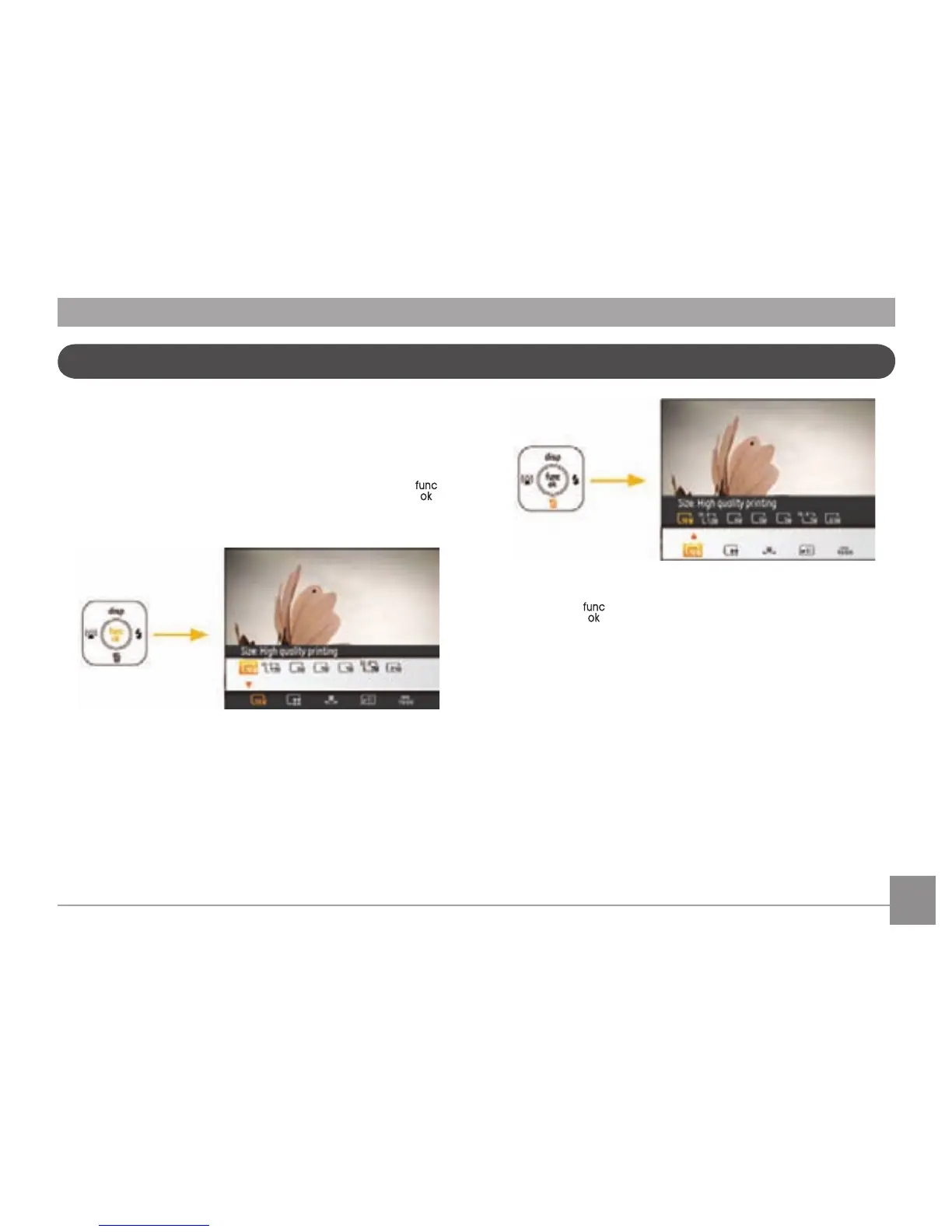
Set the advanced functions as follows.
1. Pull up the Advanced Function Menu by pr
essing the
button.
2. Press the Down button to enter the advanced function
selection screen, press the Left/Right button to select the
function that you want to set.
3. Press the Up button to enter the advanced function setting
int
erface.
4. Use the Left/Right buttons to change the settings then
press the
to conrm the new settings and close the
Advanced Function Menu.



 To Next Page